
Buy PlayClaw :: Overlays, Game Recording & Streaming PC

Interested in PlayClaw :: Overlays, Game Recording & Streaming? We're tracking prices from trusted stores. Add PlayClaw :: Overlays, Game Recording & Streaming to your wishlist and we'll notify you when deals become available.

Steam:
Mixed (78)
Official
Unavailable
Keyshops
Unavailable
Buy in Official Store:
Unavailable
Buy in Keyshops:
Unavailable

No entries, but don''t worry, we will inform you once the new offer appears.

Create Alert Create deal Alert

About PlayClaw :: Overlays, Game Recording & Streaming

PlayClaw :: Overlays, Game Recording & Streaming - about the game
Record gameplay and stream sessions with PlayClaw, a PC overlay app built for minimal performance impact. It leverages GPU acceleration and H.264 codecs for fast capture up to 200fps across DirectX, OpenGL, and Vulkan, while supporting streams to Twitch, YouTube, and RTMP services. Customize overlays like system monitors for CPU, GPU, RAM, FPS, and network stats, plus webcam, browser, Teamspeak 3, timers, and window captures. Edit overlays visually with effects such as chroma key, cropping, and scrolling, then switch scenes via hotkeys. Profiles handle capture settings compatible with PunkBuster, Valve Anti-Cheat, EasyAntiCheat, and BattlEye. Streamers and gamers who record sessions get flexible tools for video production and web publishing workflows.

PlayClaw is game overlay application that can record and stream your gameplay!

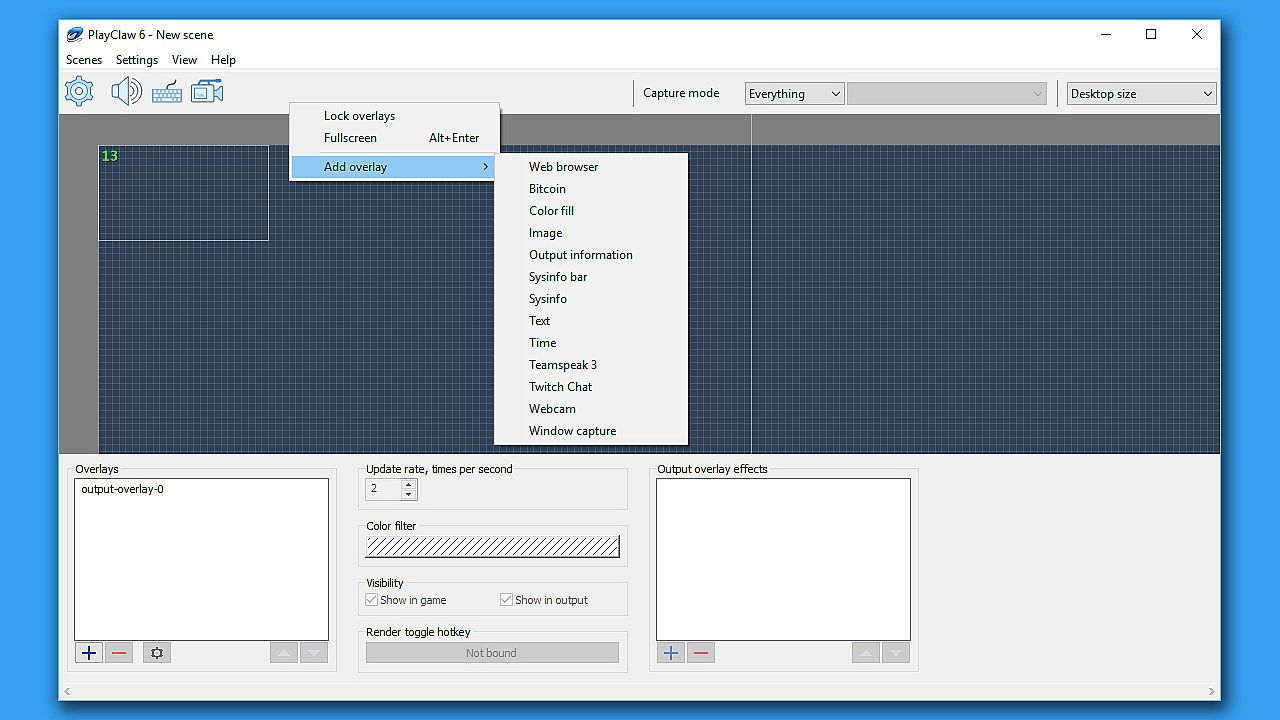
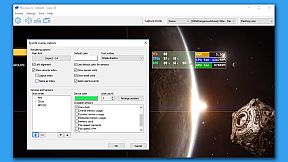
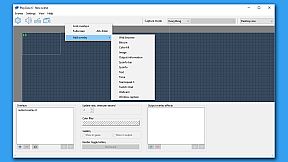
PlayClaw offers the ability to render helpful overlays in game and also in your recording if needed. PlayClaw has a set of various overlays such as System Information (CPU, GPU, RAM, HDD and other sensors), Teamspeak 3 and Discord overlays, Browser Overlay, Webcam Overlay, Timers and more.


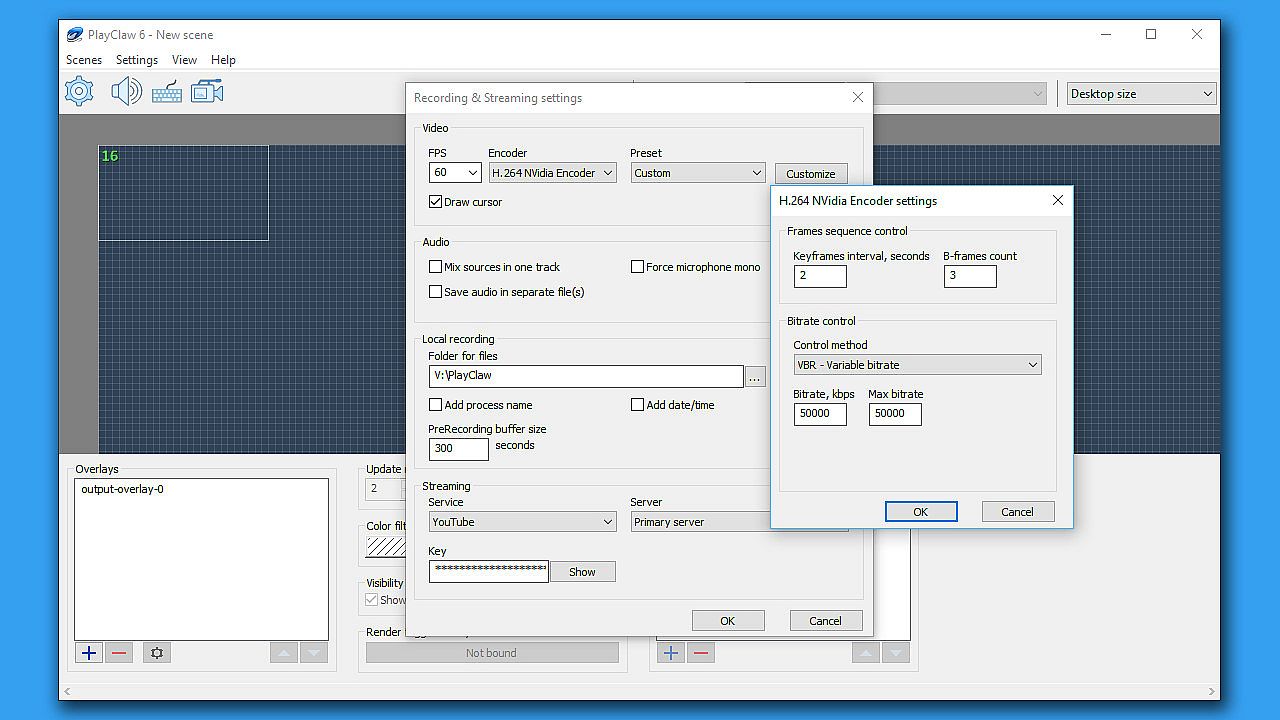
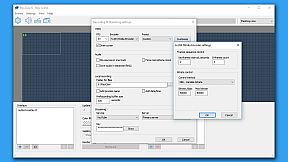
PlayClaw has been designed to make full use of your GPU and hardware accelerated H.264 codecs that will ensure outstanding recording quality and have the least amount of impact on game performance. You'll be satisfied with the capture and encoding speed that PlayClaw offers during local recording sessions or streaming to YouTube, Twitch or other services!

Overlays:
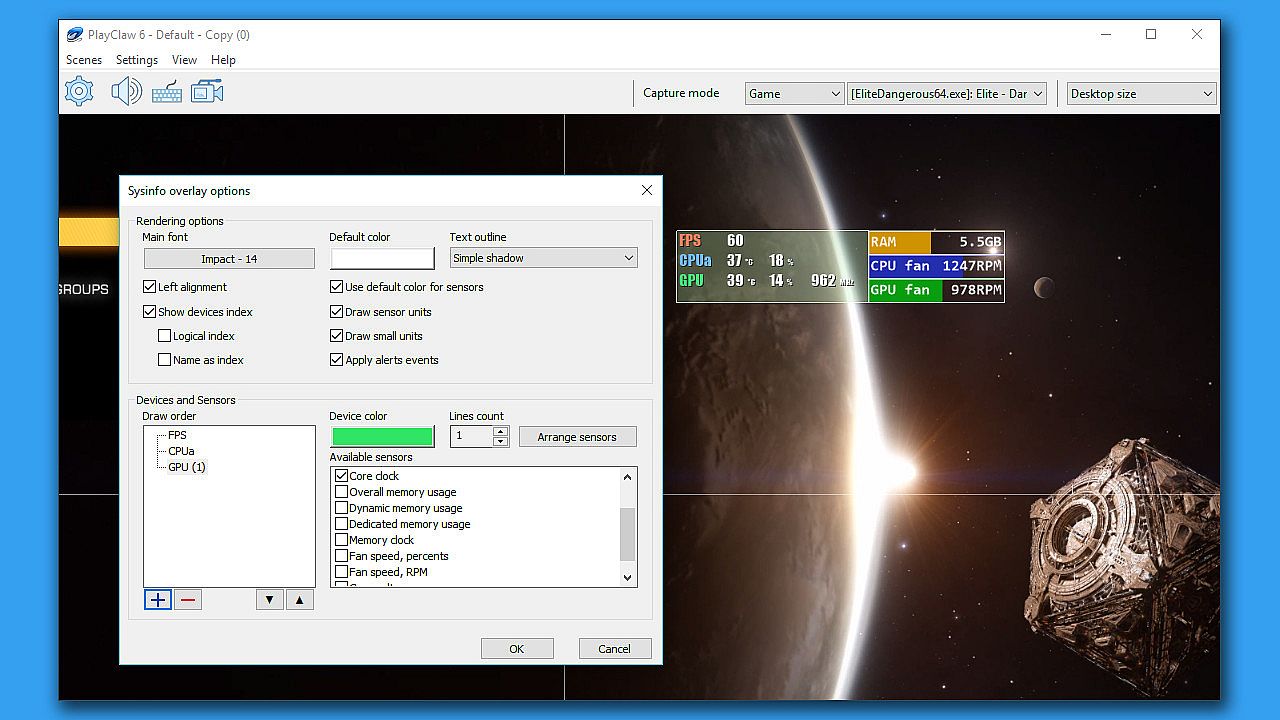
  • Very flexible System information overlay (GPU, CPU, RAM, HDD, FPS, Network sensors)
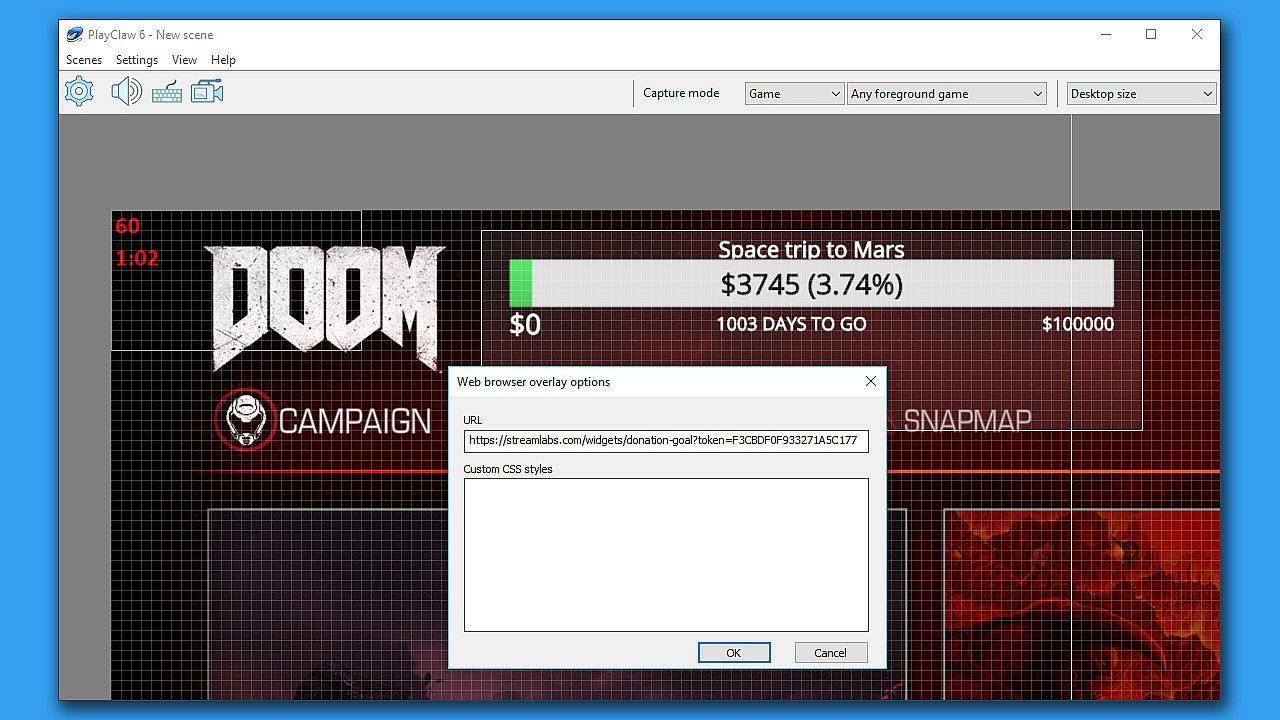
  • Web Browser overlay (streamers love it!)
  • Webcam overlay
  • Teamspeak 3 overlay
  • Image overlay
  • Dynamic text overlay
  • Powerful Time overlay with modes: Clock, Stopwatch, Timer
  • Window capture overlay
  • Color overlay
  • And that's not all! We're developing new cool overlays for our customers
Capture features:
  • Fast game capture up to 200fps
  • Native capture available for DirectX 9, 10, 11, 12, OpenGL and Vulkan
  • H.264 encoding with hardware acceleration (Intel QuickSync, NVidia Encoder, AMD AMF encoder)
  • Streaming to YouTube, Twitch and other RTMP services
  • Mixer FTL support
  • Special capture desktop mode in Windows 7, 8 and 10
  • Multiple display support
  • Unique pre-recording feature
  • Multi-threaded MJPEG software encoding
  • Up to 16 audio sources
  • Realtime audio preprocessing engine
  • Output in multiple formats (AVI, MP4)
  • Capture screenshots
  • Adjustable video recording frame rate and size
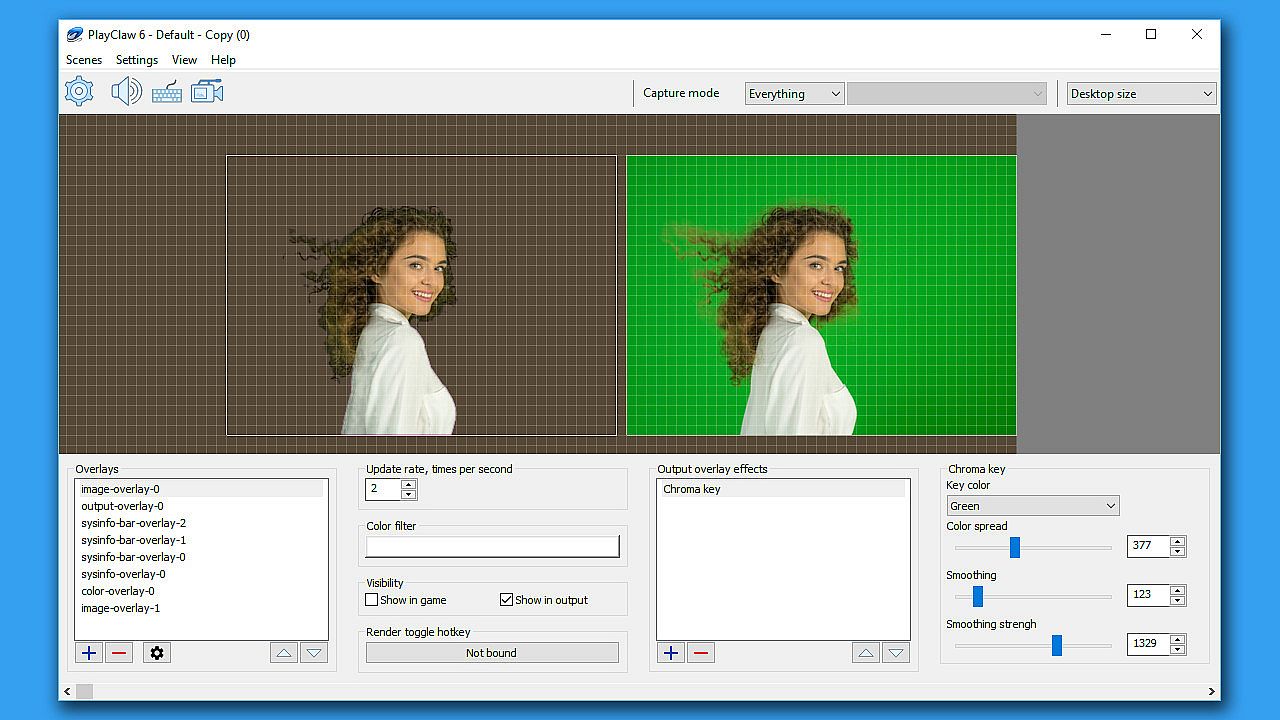
Overlays output effects
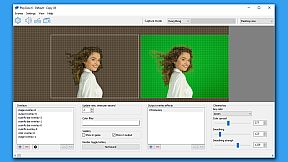
  • Chroma key
  • Scrolling
  • Color key
  • Image mask
  • Cropping / expanding
  • More effects are coming in future updates
Additional features:
  • Scene-based overlays settings
  • Scenes can be switched at any time using hotkeys
  • Simple and powerful visual overlays editor
  • Profile-based capture and streaming settings
  • Compatible with PunkBuster, Valve Anti Cheat, EasyAntiCheat and BattlEye

Interface:
EnglishHungarianRussianSimplified Chinese

Age rating

Unavailable
Steam:
Mixed (78)

Minimum:

  • Processor: 2-cores CPU with SSE support
  • Memory: 1 GB RAM
  • Graphics: Intel/AMD/NVidia graphics card
  • DirectX: Version 11
  • Storage: 250 MB available space
  • Additional Notes: Administrator rights to run software are mandatory.

Recommended:

  • OS: Windows 10
  • Processor: Intel SandyBridge CPU or AMD APU A10-58xx or better
  • Memory: 4 GB RAM
  • Graphics: NVidia Geforce 6хх or AMD Radeon HD 77xx or better
  • DirectX: Version 11
  • Storage: 250 MB available space
  • Additional Notes: Administrator rights to run software are mandatory.
Historical low
Price history from official stores
-
-
-
Price history from keyshops
-
-
-

FAQ

8 questions

Before you start looking for a cheap PlayClaw :: Overlays, Game Recording & Streaming key, check the essentials. Developed by Eduard Kozadaev. Published by Eduard Kozadaev. PC released date: 20 Nov 2017. Genres: Utilities, Audio Production, Video Production, Web Publishing, Software Training.

Q

Where to buy a cheap PlayClaw :: Overlays, Game Recording & Streaming Steam key?

There are currently no active offers for PlayClaw :: Overlays, Game Recording & Streaming. Set a price alert on XD.deals and we will notify you the moment a deal becomes available.

We don't have a current Steam Store price for PlayClaw :: Overlays, Game Recording & Streaming. The game may be temporarily unavailable or not yet listed on Steam.

Our price tracker covers both official retailers and key marketplaces, so you can find PlayClaw :: Overlays, Game Recording & Streaming on sale even outside seasonal promotions. We currently detect 0 active offers from official stores and keyshops. Check the table above, compare against the historical low, and set an alert so you never miss the next price drop.

Based on our data, PlayClaw :: Overlays, Game Recording & Streaming is not currently available on GeForce NOW. You will need to run it locally on your PC. Browse games available on GeForce NOW.

Yes. PlayClaw :: Overlays, Game Recording & Streaming has an official page on the Steam Store, but we currently don't track any third-party offers with Steam DRM. Check back later or set a price alert.

Not at this time. Valve marks PlayClaw :: Overlays, Game Recording & Streaming as Unsupported on Steam Deck. Keep an eye on XD.deals - we track Proton updates and community fixes. Browse games that are Steam Deck Verified or Steam Deck Playable.

PlayClaw :: Overlays, Game Recording & Streaming does not appear to be available on PC Game Pass, EA Play, Ubisoft+ or any other PC subscription service at this time. Your only option is purchasing the game - use XD.deals to find the best price.

No - XD.deals is not a store. We are a price-comparison service that tracks the best PlayClaw :: Overlays, Game Recording & Streaming deals across official stores and verified keyshops. Click "Go to Store" next to any offer and you will be redirected to the retailer's website to complete your purchase.

Want to buy at the best moment? Set a price alert on XD.deals and get notified when PlayClaw :: Overlays, Game Recording & Streaming hits its next historical low.

Create Alert
Join our Discord
Get instant help from our community and stay updated on the latest deals
Set Price Alerts
Get notified by email when game prices drop to your target
Create Free Account
Unlock wishlists, price alerts, and Steam sync