

Buy Windows Particle Effect PC

Interested in Windows Particle Effect? We're tracking prices from trusted stores. Add Windows Particle Effect to your wishlist and we'll notify you when deals become available.

Release: 31 Dec 2020
GCN
GCN
Steam:
Overwhelmingly Negative (3)
Official
Unavailable
Keyshops
Unavailable
Buy in Official Store:
Unavailable
Buy in Keyshops:
Unavailable

No entries, but don't worry, we will inform you once the new offer appears.

Create Alert Create deal Alert

About Windows Particle Effect

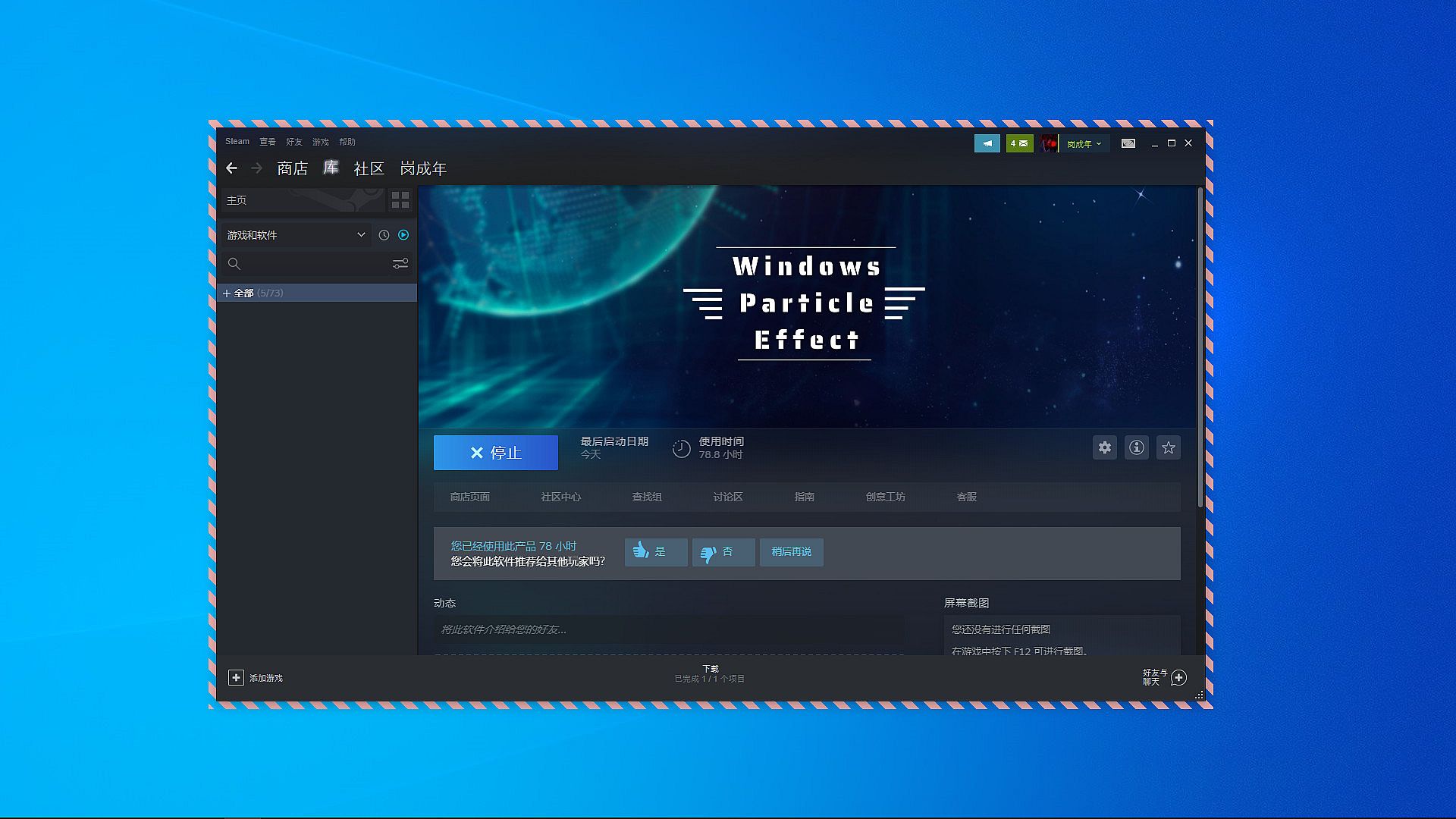
Windows Particle Effect - about the game
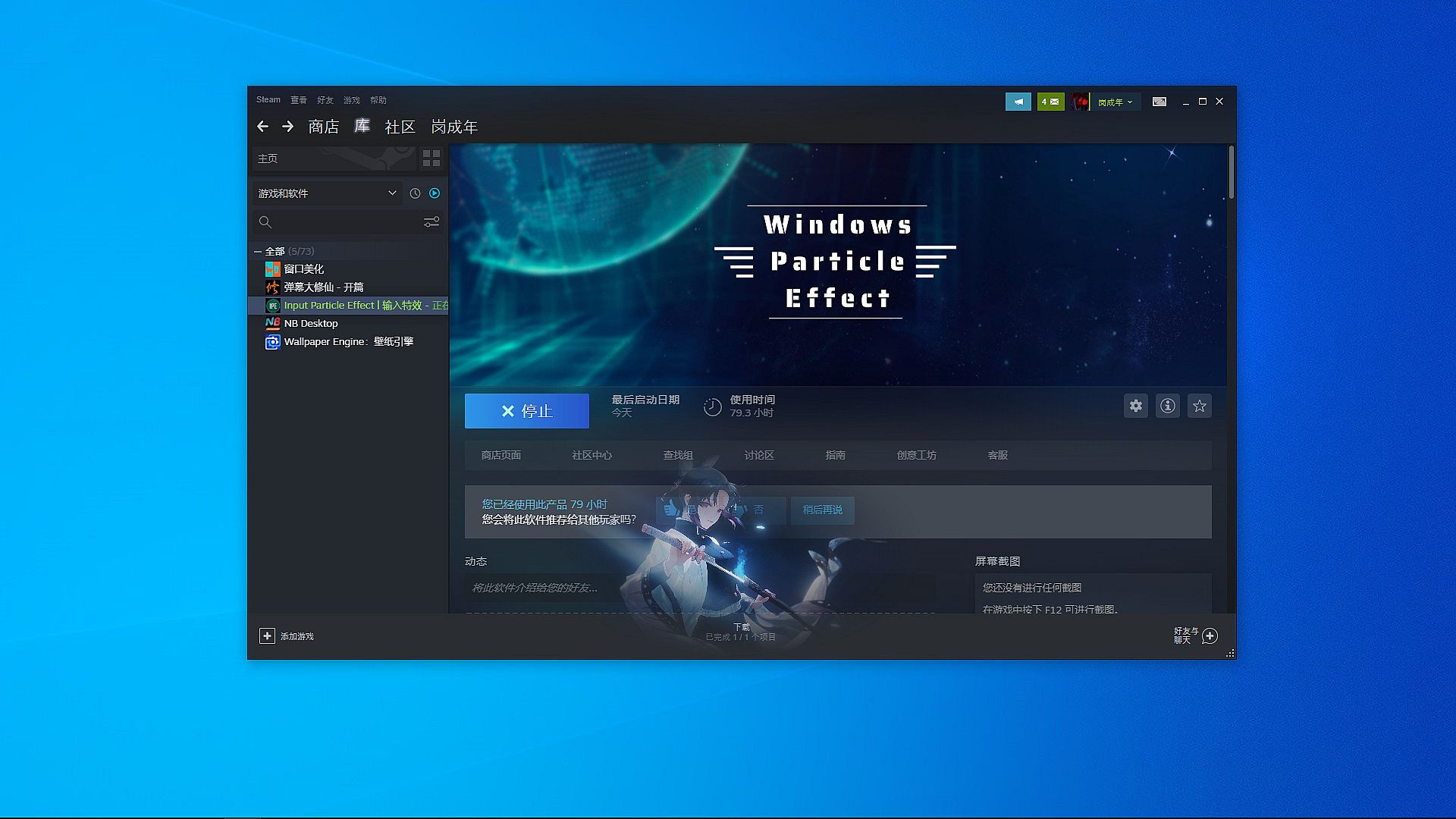
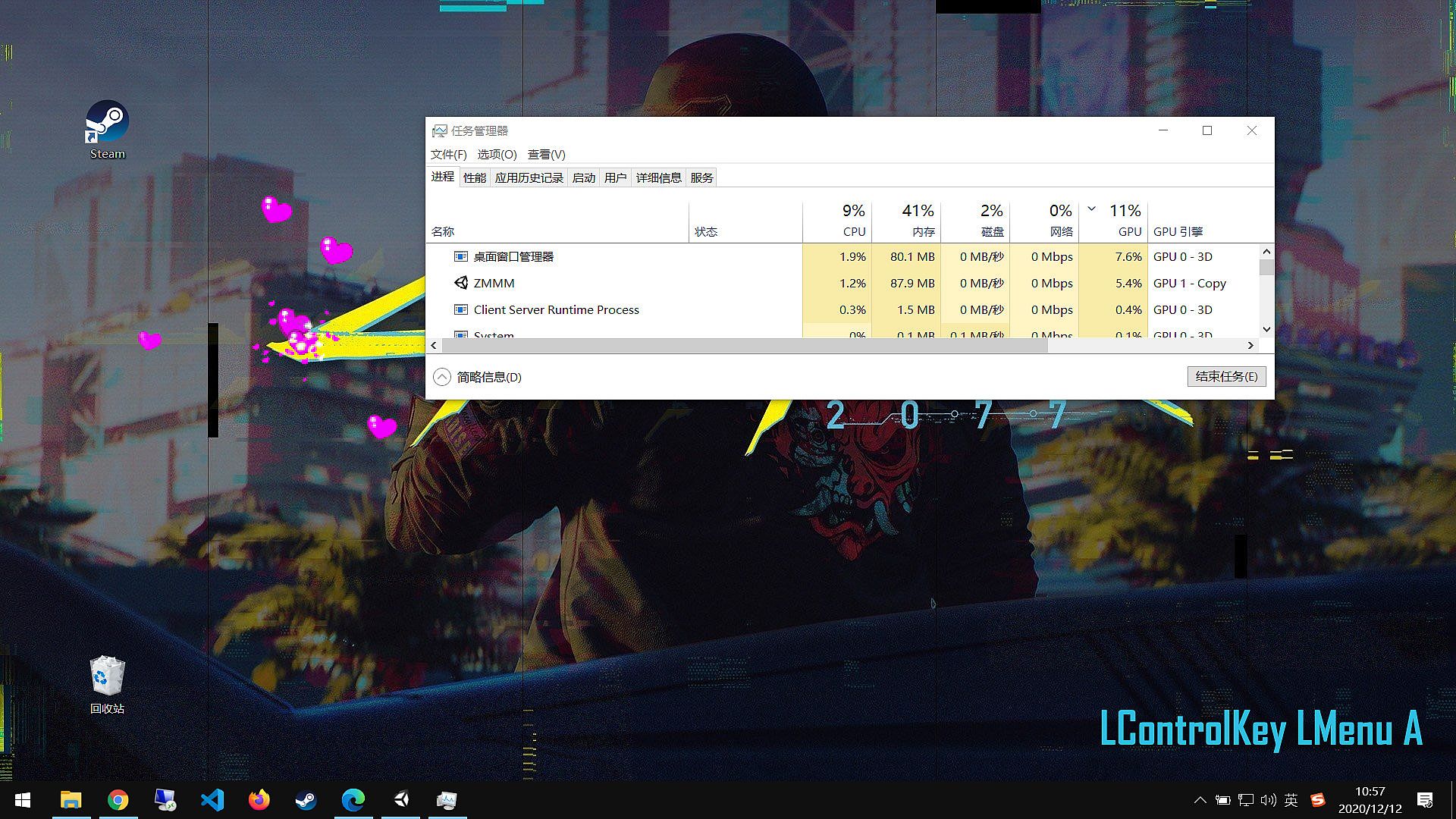
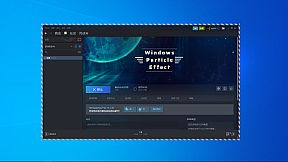
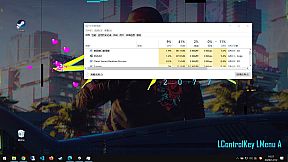
Enhance your PC desktop with particle-driven window and input effects through this compact utility. It runs two main programs: one delivers mouse click feedback via 10 built-in particle effects, while the other adds colorful borders to windows, including dynamic images, videos, and four preset options from a creative workshop. Adjust particle sizes, reposition on-screen key presses, and access settings with Ctrl + Alt + R. The software hides seamlessly from the taskbar and system tray during normal operation. Switch borders dynamically as windows move or change. Utility enthusiasts who crave subtle, customizable desktop flair will appreciate its low-profile enhancements.

This is a small software integrating window beautification and input beautification. It contains two executable programs. One is the input beautification with a variety of particle effects, and the other is the window beautification assistant supporting the creative workshop. It can add a touch of fun to your window with colorful borders. You can also play a video and insert a picture to let it switch with your window switching, Move and move...

New upgrade on February 9, 2022

  • 1. Support dynamic diagram as the border of your software window

  • 2. Support video as the border of your software window

  • 3. At present, there are four preset borders

  • 4. Support creative workshops
Software Introduction

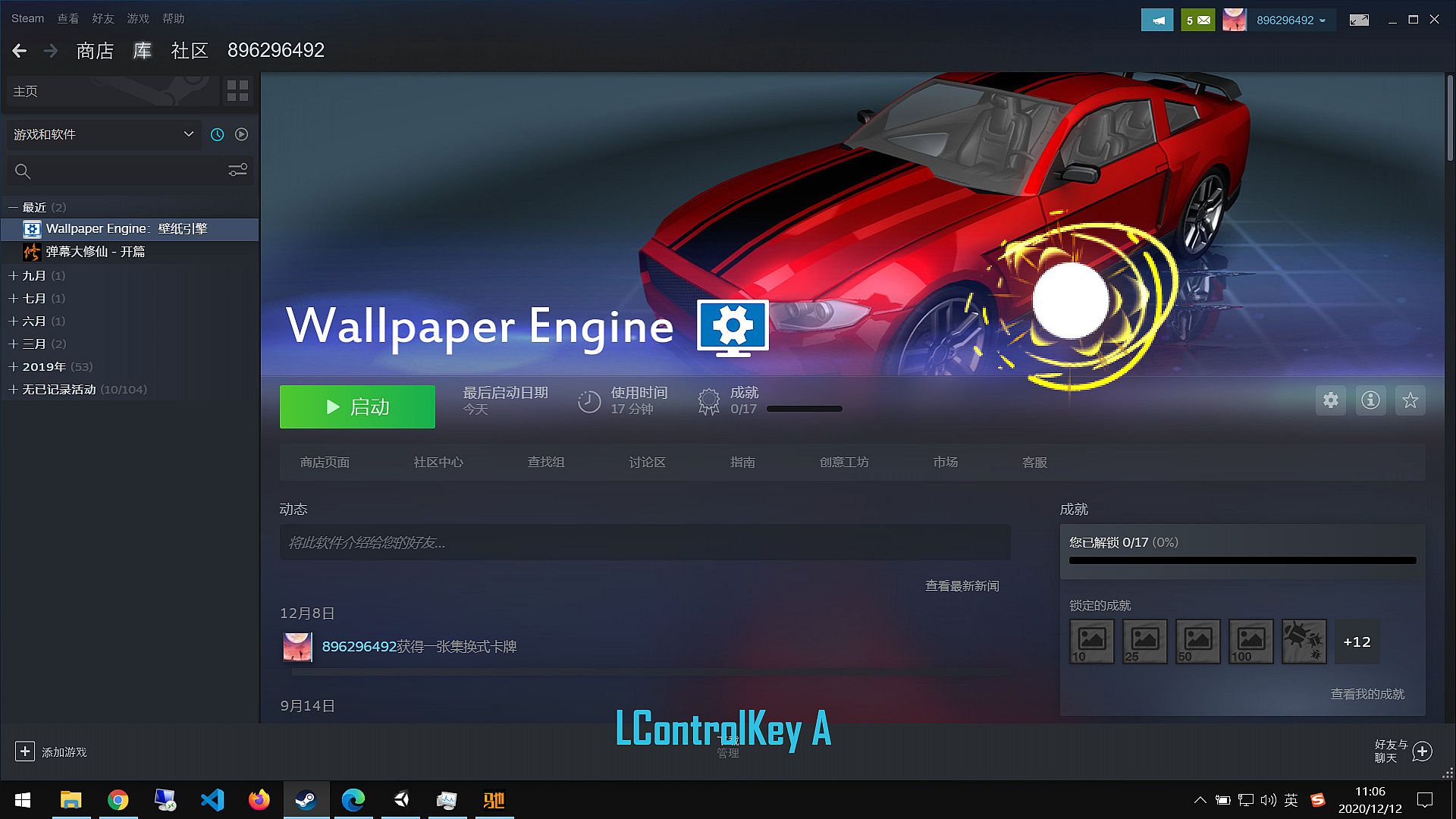
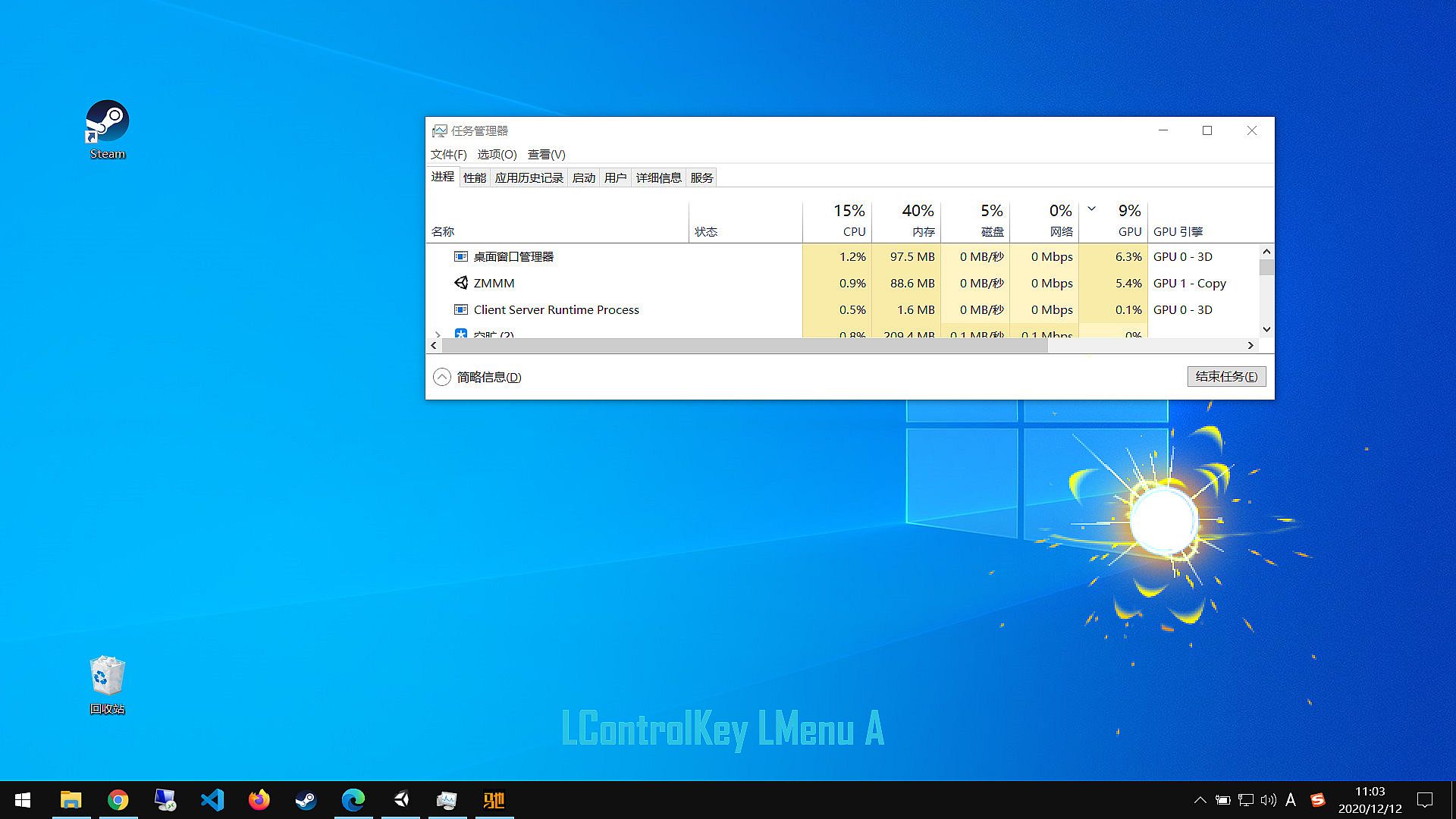
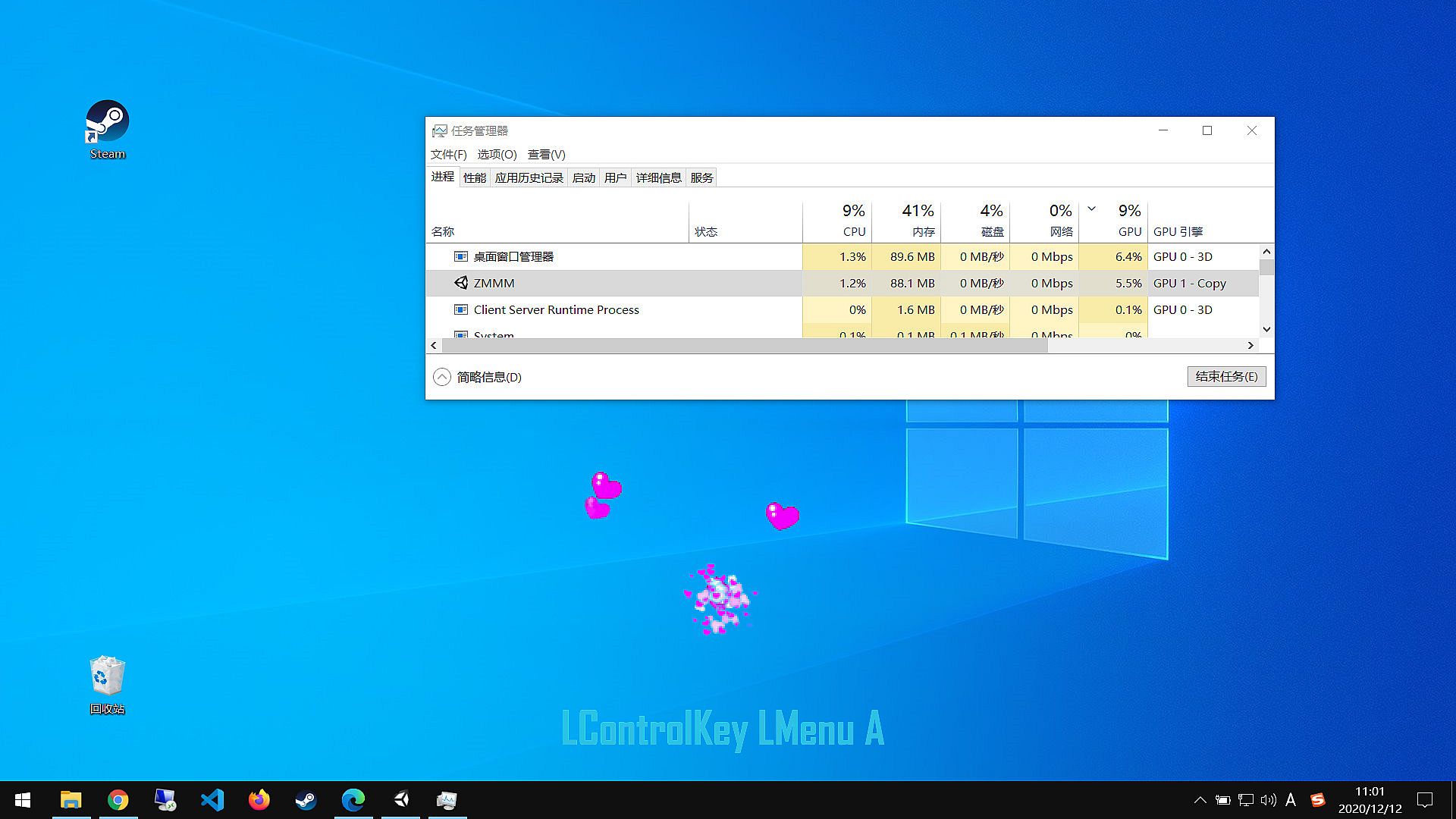
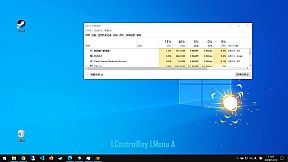
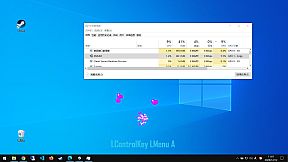
  • 1. Click the left and right mouse button feedback, click the particle effect, very cool, has built-in 10 kinds of special effects.
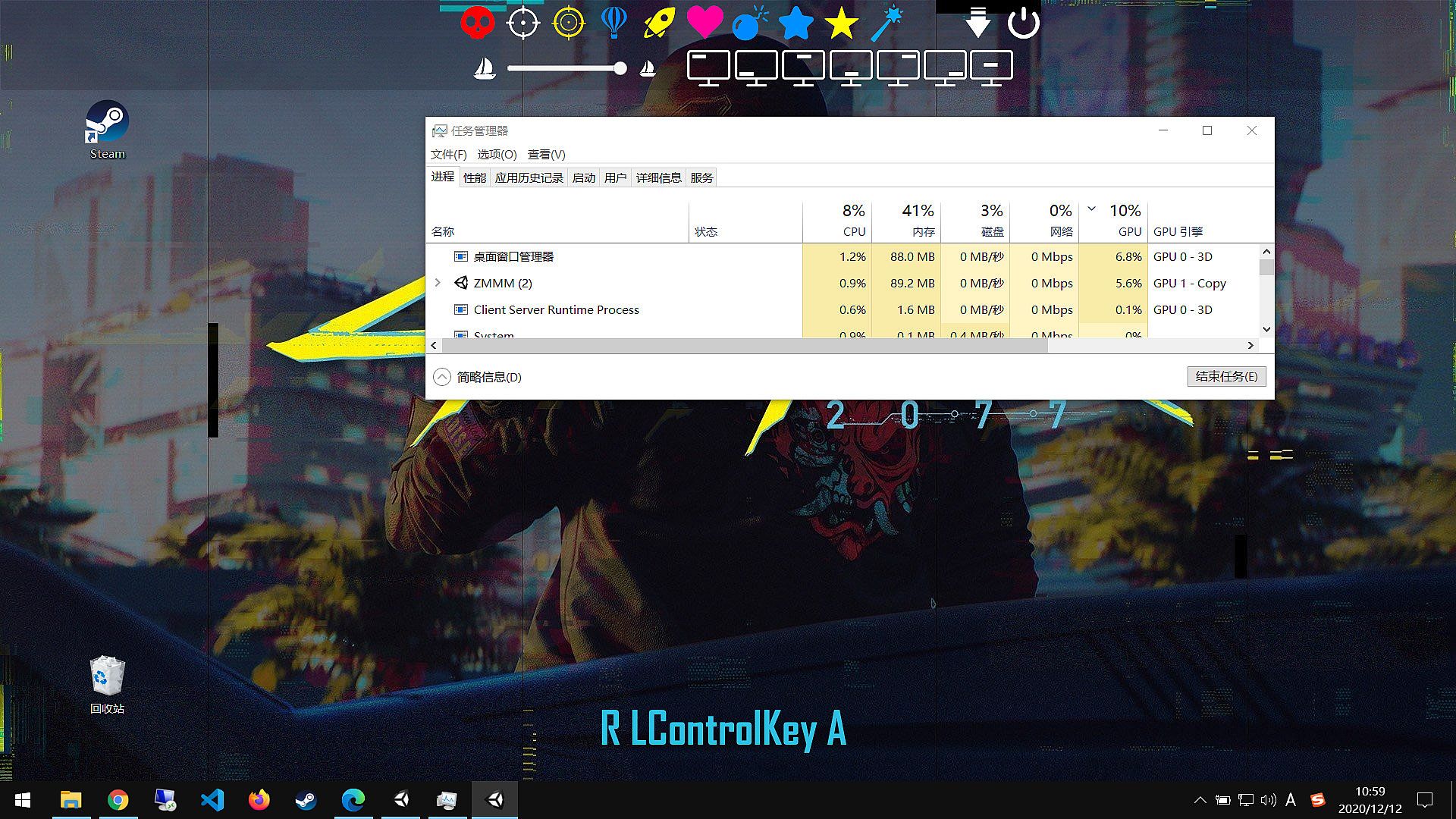
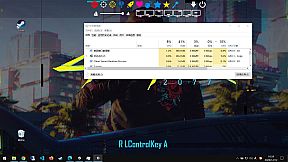
  • 2. When you press a key on the screen, you can adjust the position of the keyboard.
  • 3. It can adjust the size of particles and is easy to set.
  • 4. When the software is running in the general state, and does not display in the taskbar, nor in the system tray, obsessive-compulsive gospel, so that you do not realize its existence.
  • 5. To access the settings interface, shortcut key Ctrl + Alt + R。

Interface:
EnglishSimplified ChineseTraditional Chinese

Age rating

Unavailable
Steam:
Overwhelmingly Negative (3)

Minimum:

  • Processor: Intel Core 2 Due E6300 or AMD althon X2 5000+
  • Memory: 1024 MB RAM
  • Graphics: NVIDIA 7300GT or ATI X1600
  • Storage: 5000 MB available space

Recommended:

  • OS: Windows 10 or later
  • Processor: Intel Core I5 4170 or AMD FX 6300
  • Memory: 4096 MB RAM
  • Graphics: NVIDIA GTX760 or ATI R7 260X
  • Storage: 5000 MB available space
Historical low
Price history from official stores
-
-
-
Price history from keyshops
-
-
-

FAQ

8 questions

Before you start looking for a cheap Windows Particle Effect key, check the essentials. Developed by GCN. Published by GCN. PC released date: 31 Dec 2020. Genres: Utilities.

Q

Where to buy a cheap Windows Particle Effect Steam key?

There are currently no active offers for Windows Particle Effect. Set a price alert on XD.deals and we will notify you the moment a deal becomes available.

We don't have a current Steam Store price for Windows Particle Effect. The game may be temporarily unavailable or not yet listed on Steam.

Our price tracker covers both official retailers and key marketplaces, so you can find Windows Particle Effect on sale even outside seasonal promotions. We currently detect 0 active offers from official stores and keyshops. Check the table above, compare against the historical low, and set an alert so you never miss the next price drop.

Based on our data, Windows Particle Effect is not currently available on GeForce NOW. You will need to run it locally on your PC. Browse games available on GeForce NOW.

Yes. Windows Particle Effect has an official page on the Steam Store, but we currently don't track any third-party offers with Steam DRM. Check back later or set a price alert.

Not at this time. Valve marks Windows Particle Effect as Unsupported on Steam Deck. Keep an eye on XD.deals - we track Proton updates and community fixes. Browse games that are Steam Deck Verified or Steam Deck Playable.

Windows Particle Effect does not appear to be available on PC Game Pass, EA Play, Ubisoft+ or any other PC subscription service at this time. Your only option is purchasing the game - use XD.deals to find the best price.

No - XD.deals is not a store. We are a price-comparison service that tracks the best Windows Particle Effect deals across official stores and verified keyshops. Click "Go to Store" next to any offer and you will be redirected to the retailer's website to complete your purchase.

Want to buy at the best moment? Set a price alert on XD.deals and get notified when Windows Particle Effect hits its next historical low.

Create Alert
Join our Discord
Get instant help from our community and stay updated on the latest deals
Set Price Alerts
Get notified by email when game prices drop to your target
Create Free Account
Unlock wishlists, price alerts, and Steam sync