

Buy AppGameKit Studio - The Animation Sheet Editor PC

This content requires the base game: AppGameKit Studio

Interested in AppGameKit Studio - The Animation Sheet Editor? We're tracking prices from trusted stores. Add AppGameKit Studio - The Animation Sheet Editor to your wishlist and we'll notify you when deals become available.

Steam:
Overwhelmingly Negative (1)
Official
Unavailable
Keyshops
Unavailable
Buy in Official Store:
Unavailable
Buy in Keyshops:
Unavailable

No entries, but don''t worry, we will inform you once the new offer appears.

Create Alert Create deal Alert

About AppGameKit Studio - The Animation Sheet Editor

AppGameKit Studio - The Animation Sheet Editor - about the game
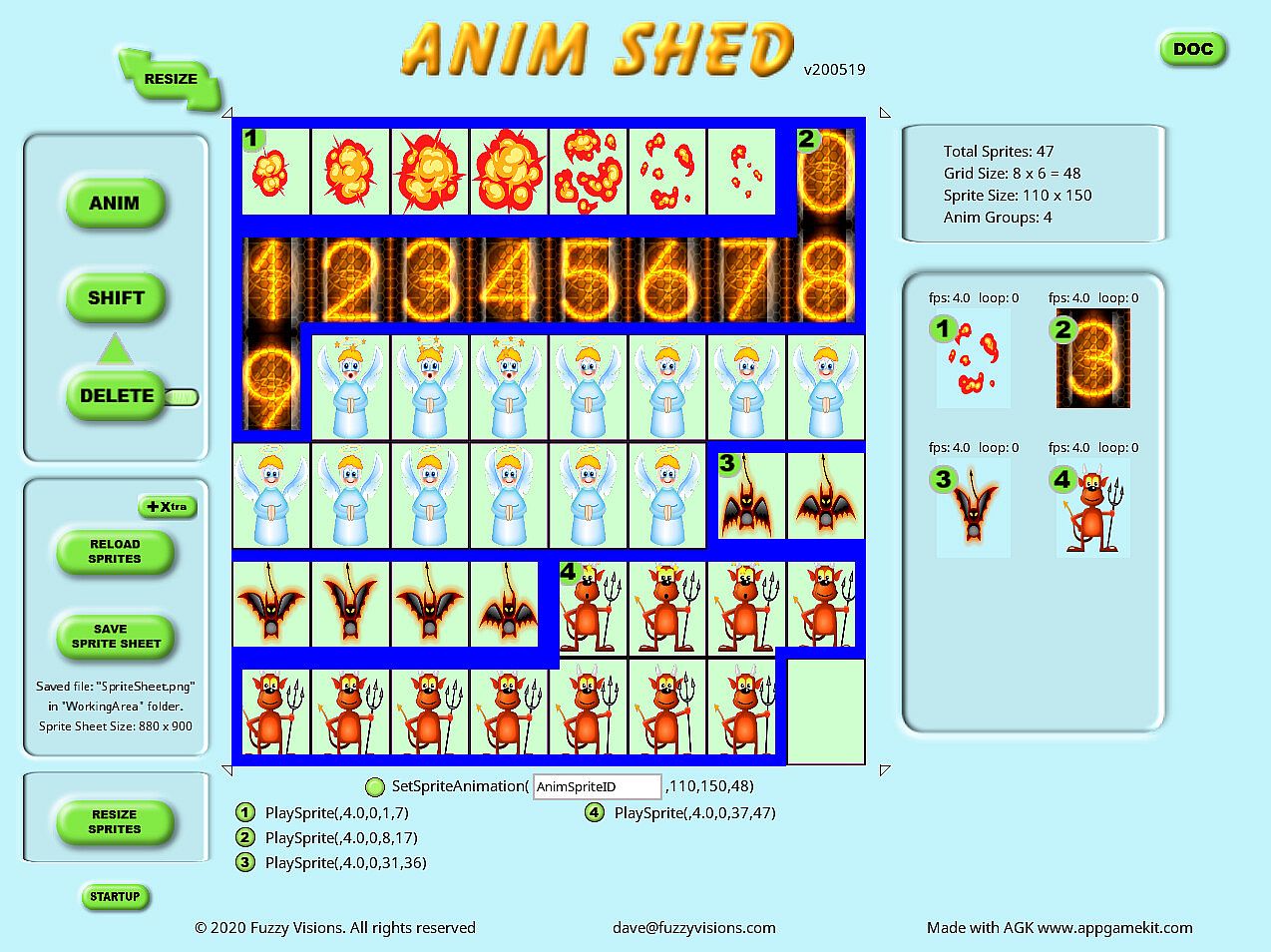
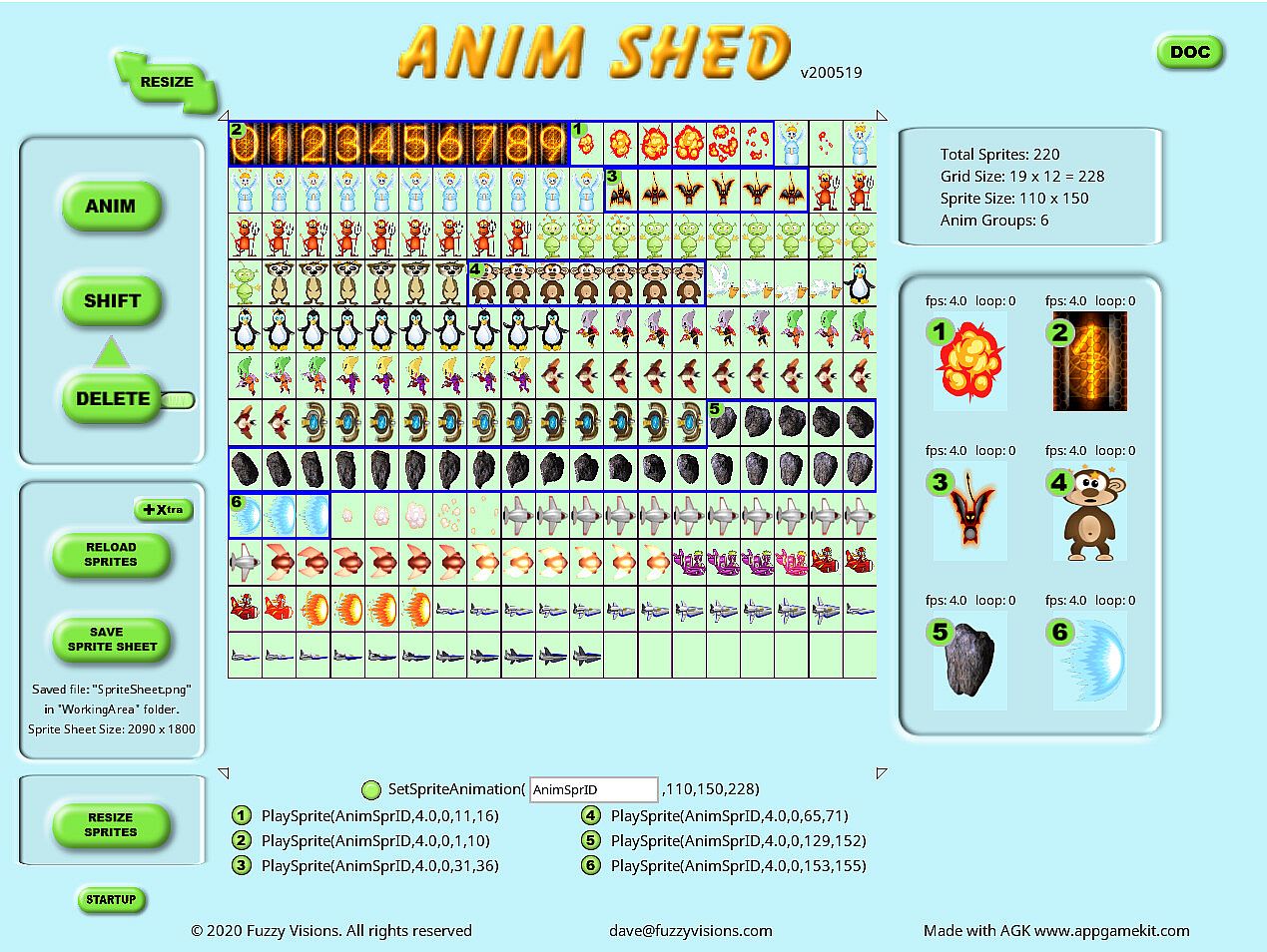
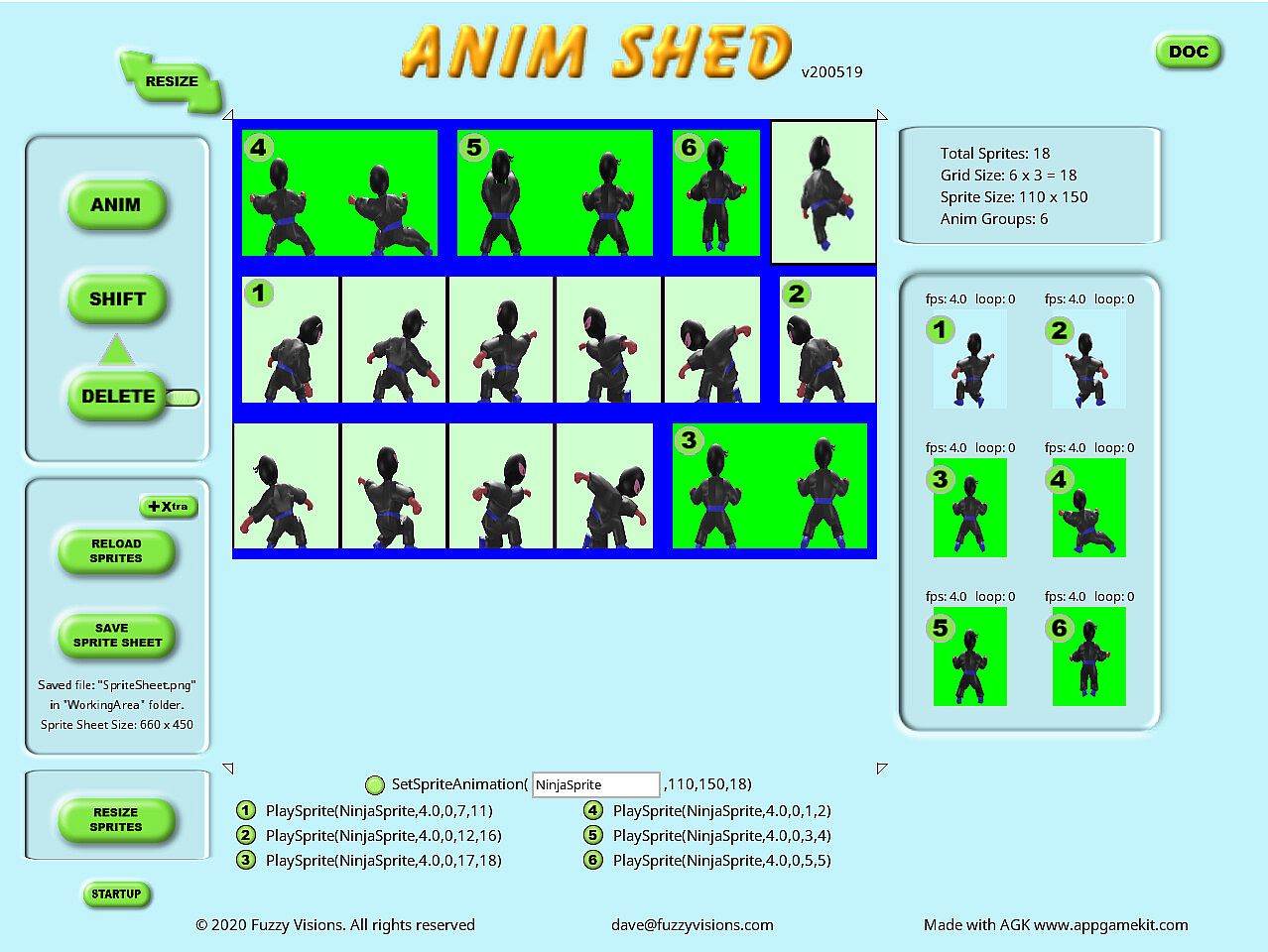
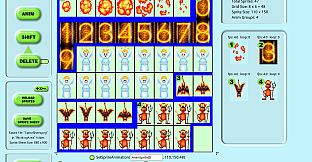
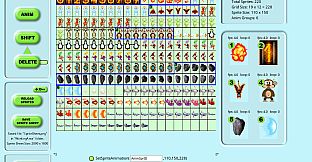
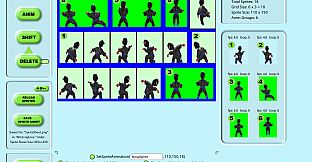
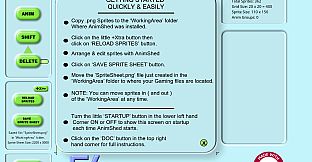
Pack sprites into efficient sheets with AnimShed, a streamlined tool for 2D game developers. Load up to 500 images from folders using the built-in browser, then drag them into place to build sheets and create up to 200 animations. The interface relies on mouse controls for arranging, selecting groups by drawing, and resizing sheets on the fly, while automation handles adjustments during adds, deletes, or moves. Extract sprites from existing sheets in seconds, add borders, and save details for five folder locations without altering originals. Embedded help with search keeps workflows smooth. Game development pros building in AppGameKit Classic or Studio gain fast code integration, though the simple setup works for any 2D animation project.

The Animation Sheet Editor ( AnimShed ) is a dedicated, easy to use and powerful sprite sheet packer, allowing you to quickly compress a number of single images into one sprite sheet.

AnimShed is for anyone developing 2D animated games and is geared towards developing with both AppGameKit Classic and AppGameKit Studio by TheGameCreators. AnimShed has specific copy and paste functions so you can insert the code directly into your AppGameKit software proejcts. This doesn't stop you using the simple and quick interface to create Sprite sheets for other game creating software. Automation, ease of use and time saving features are the top features of AnimShed as many of the features that you would usually have to manually do with other packages are automated or very easy to implement. You can very easily adjust the size of the sprite sheet at any stage to take into account the size of sprites, adding/deleting and moving sprites, as well as other actions.

FEATURES

  • Load up to 500 2D sprites from any folder via the built-in browser
  • Create up to 200 animations for your game code
  • Extract up to 500 sprites easily from a sprite sheet file for use in AnimShed in seconds
  • AnimShed comes supplied (from 'The Game Company' ) with 66 sprites to help you familiarise yourself with AnimShed
  • Uses mainly mouse-only controls, so no typing in column numbers and so on
  • AnimShed adjusts the Sprite Sheet size automatically on most actions
  • Arrange your sprites within AnimShed just by dragging
  • Select groups of animations just by drawing on screen with the mouse
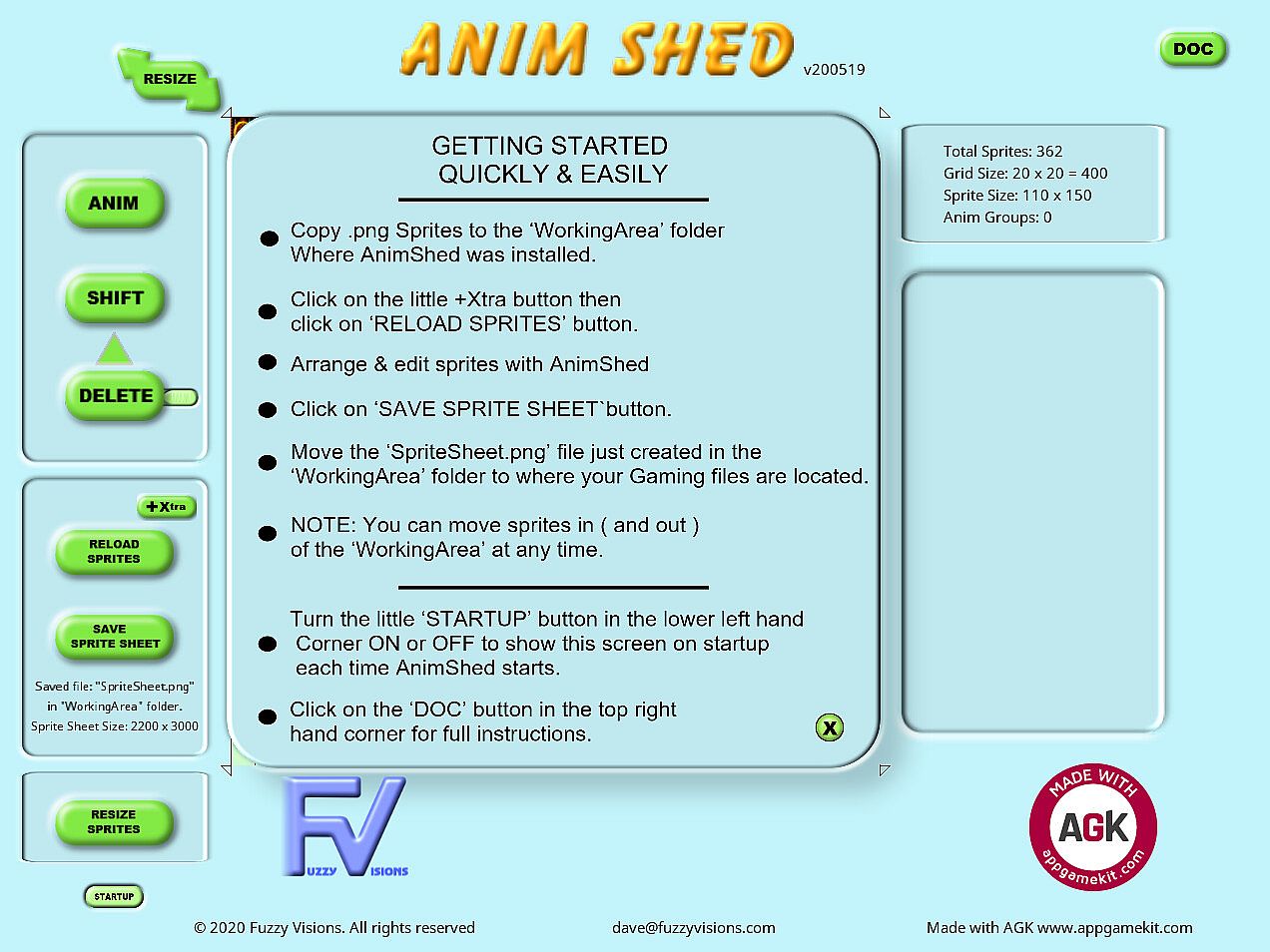
  • Embedded help documentation with interactive search system
  • Automatically adjusts animation groups when editing groups
  • Saves sprite sheet and animation details for 5 folder locations
  • Delete sprites from the sprite sheet and still leaves the original file intact
  • Create any size of transparent or solid border on all your sprites
  • Displays constant sprite and group info for reference
Interface:
English
Steam:
Overwhelmingly Negative (1)

Minimum:

  • Processor: Intel Celeron / Athlon Sempron
  • Memory: 1 GB RAM
  • Graphics: Open GL 2.0 compatible
  • DirectX: Version 9.0c
  • Storage: 2 GB available space
  • Additional Notes: N/A

Recommended:

  • Processor: Intel Core i3 / Athlon FX series or better
  • Memory: 2 GB RAM
  • Graphics: Nvidia Geforce 500 series / ATI Radeon HD 6000 series or better
  • DirectX: Version 9.0c
  • Storage: 2 GB available space
  • Additional Notes: N/A
Historical low
Price history from official stores
-
-
-
Price history from keyshops
-
-
-
Join our Discord
Get instant help from our community and stay updated on the latest deals
Set Price Alerts
Get notified by email when game prices drop to your target
Create Free Account
Unlock wishlists, price alerts, and Steam sync

FAQ

8 questions

Before you start looking for a cheap AppGameKit Studio - The Animation Sheet Editor key, check the essentials. Developed by FuzzyVisions. Published by TheGameCreators. PC released date: 23 Aug 2022. Genres: Animation & Modeling, Utilities, Design & Illustration, Education, Web Publishing, Game Development, Software Training. Categories: Downloadable Content.

Q

Where to buy a cheap AppGameKit Studio - The Animation Sheet Editor Steam key?

There are currently no active offers for AppGameKit Studio - The Animation Sheet Editor. Set a price alert on XD.deals and we will notify you the moment a deal becomes available.

We don't have a current Steam Store price for AppGameKit Studio - The Animation Sheet Editor. The game may be temporarily unavailable or not yet listed on Steam.

Our price tracker covers both official retailers and key marketplaces, so you can find AppGameKit Studio - The Animation Sheet Editor on sale even outside seasonal promotions. We currently detect 0 active offers from official stores and keyshops. Check the table above, compare against the historical low, and set an alert so you never miss the next price drop.

Based on our data, AppGameKit Studio - The Animation Sheet Editor is not currently available on GeForce NOW. You will need to run it locally on your PC. Browse games available on GeForce NOW.

Yes. AppGameKit Studio - The Animation Sheet Editor has an official page on the Steam Store, but we currently don't track any third-party offers with Steam DRM. Check back later or set a price alert.

Not at this time. Valve marks AppGameKit Studio - The Animation Sheet Editor as Unsupported on Steam Deck. Keep an eye on XD.deals - we track Proton updates and community fixes. Browse games that are Steam Deck Verified or Steam Deck Playable.

AppGameKit Studio - The Animation Sheet Editor does not appear to be available on PC Game Pass, EA Play, Ubisoft+ or any other PC subscription service at this time. Your only option is purchasing the game - use XD.deals to find the best price.

No - XD.deals is not a store. We are a price-comparison service that tracks the best AppGameKit Studio - The Animation Sheet Editor deals across official stores and verified keyshops. Click "Go to Store" next to any offer and you will be redirected to the retailer's website to complete your purchase.

Want to buy at the best moment? Set a price alert on XD.deals and get notified when AppGameKit Studio - The Animation Sheet Editor hits its next historical low.

Create Alert