
Buy Palette Wizard PC

Interested in Palette Wizard? We're tracking prices from trusted stores. Add Palette Wizard to your wishlist and we'll notify you when deals become available.

Release: 14 Nov 2019
Steam:
Mixed (11)
Official
Unavailable
Keyshops
Unavailable
Buy in Official Store:
Unavailable
Buy in Keyshops:
Unavailable

No entries, but don''t worry, we will inform you once the new offer appears.

Create Alert Create deal Alert

About Palette Wizard

Palette Wizard - about the game
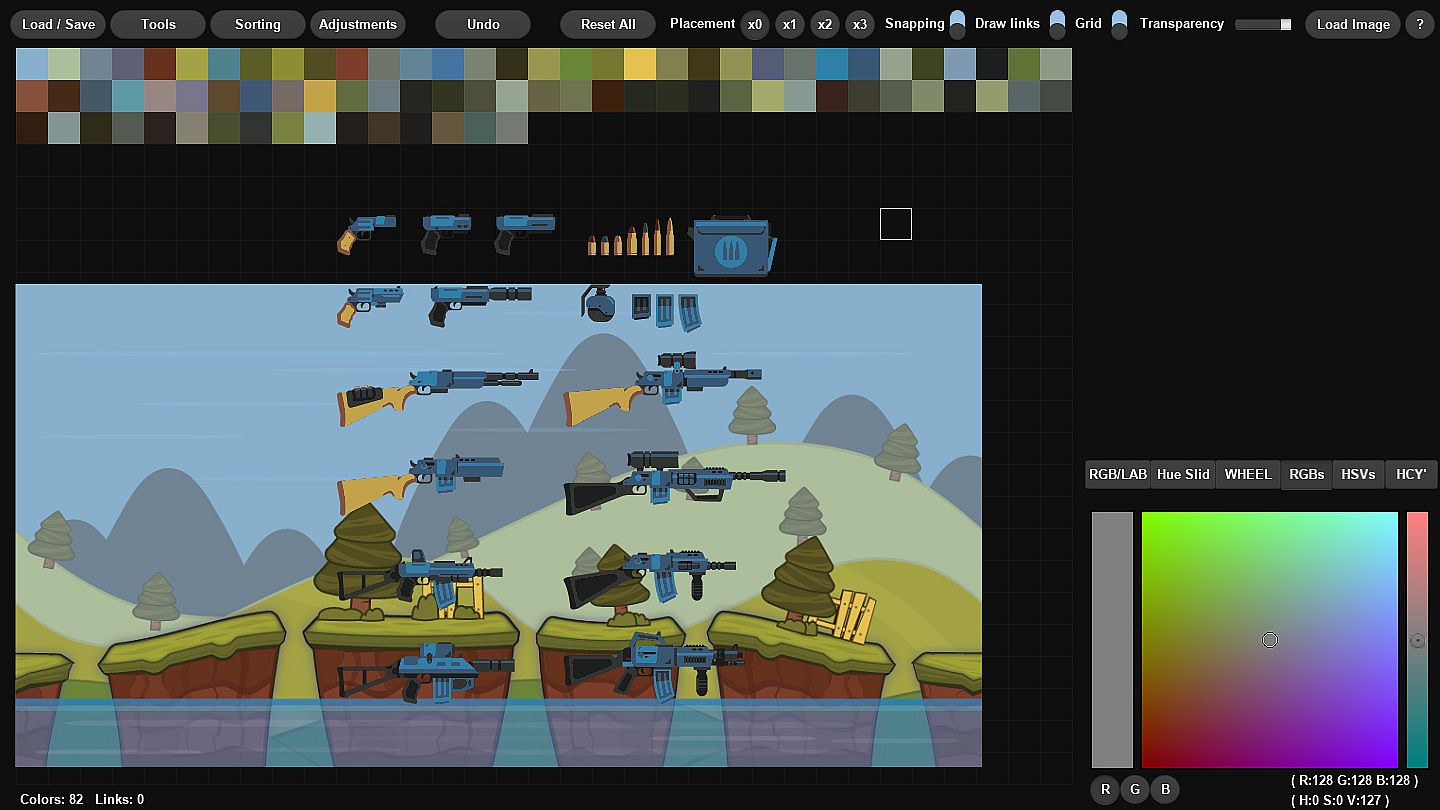
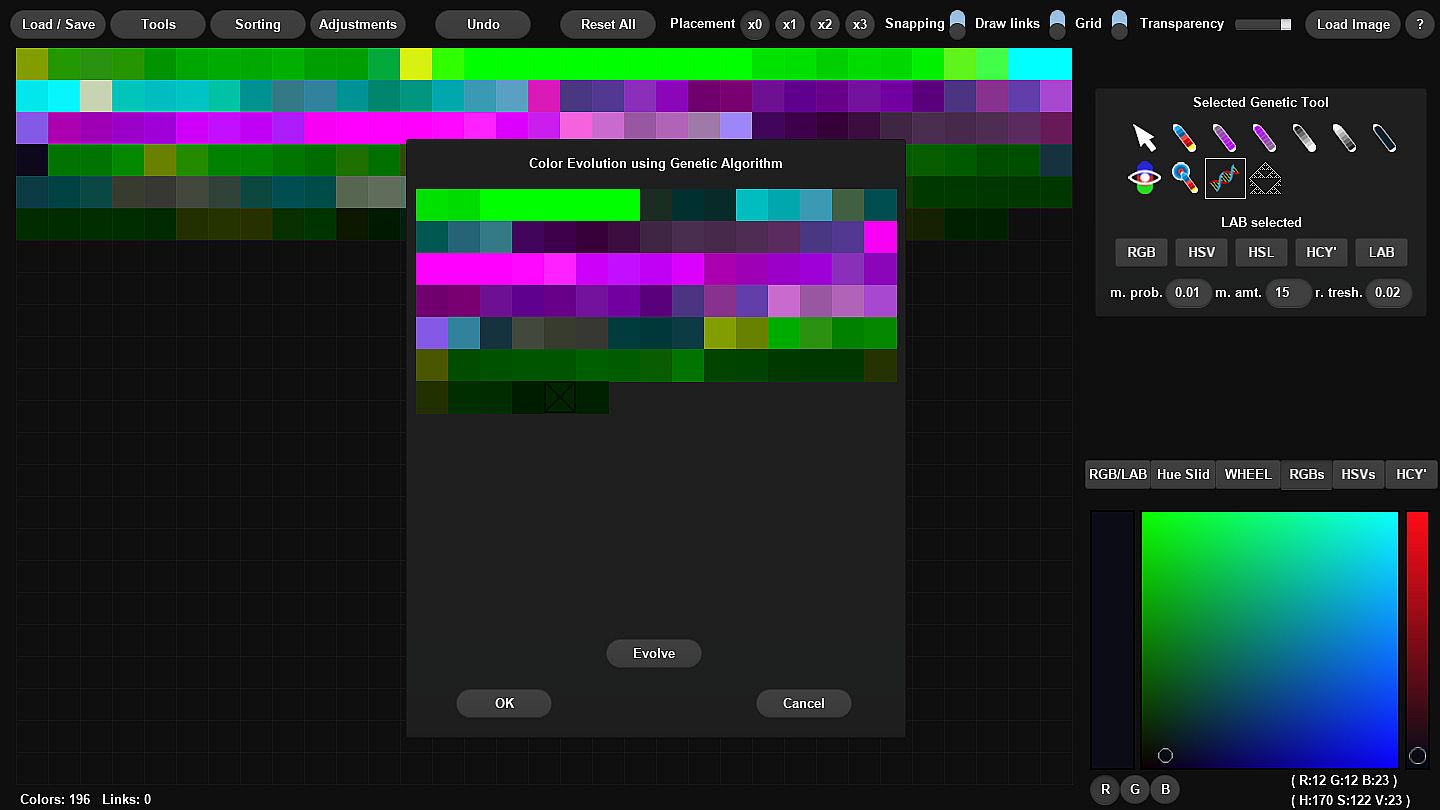
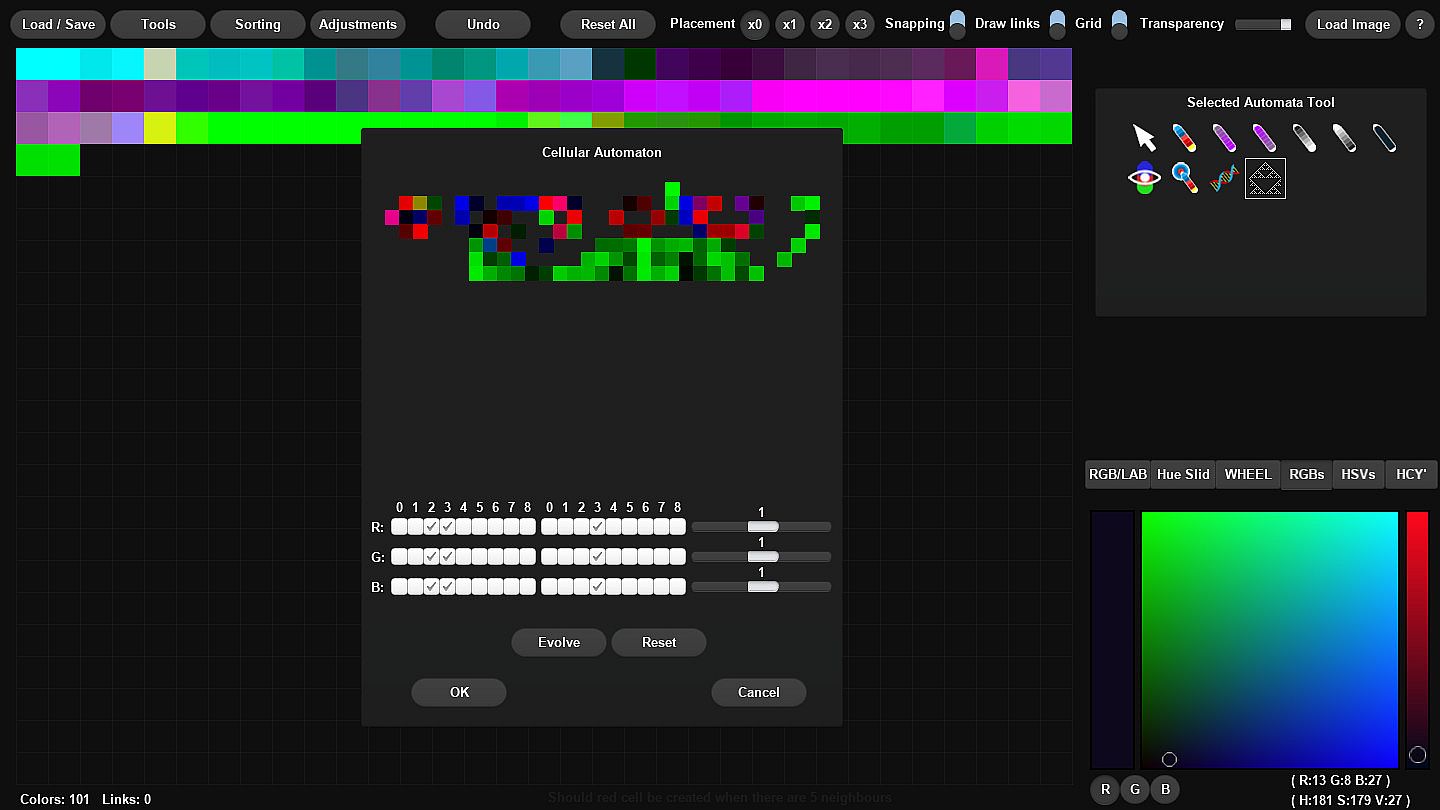
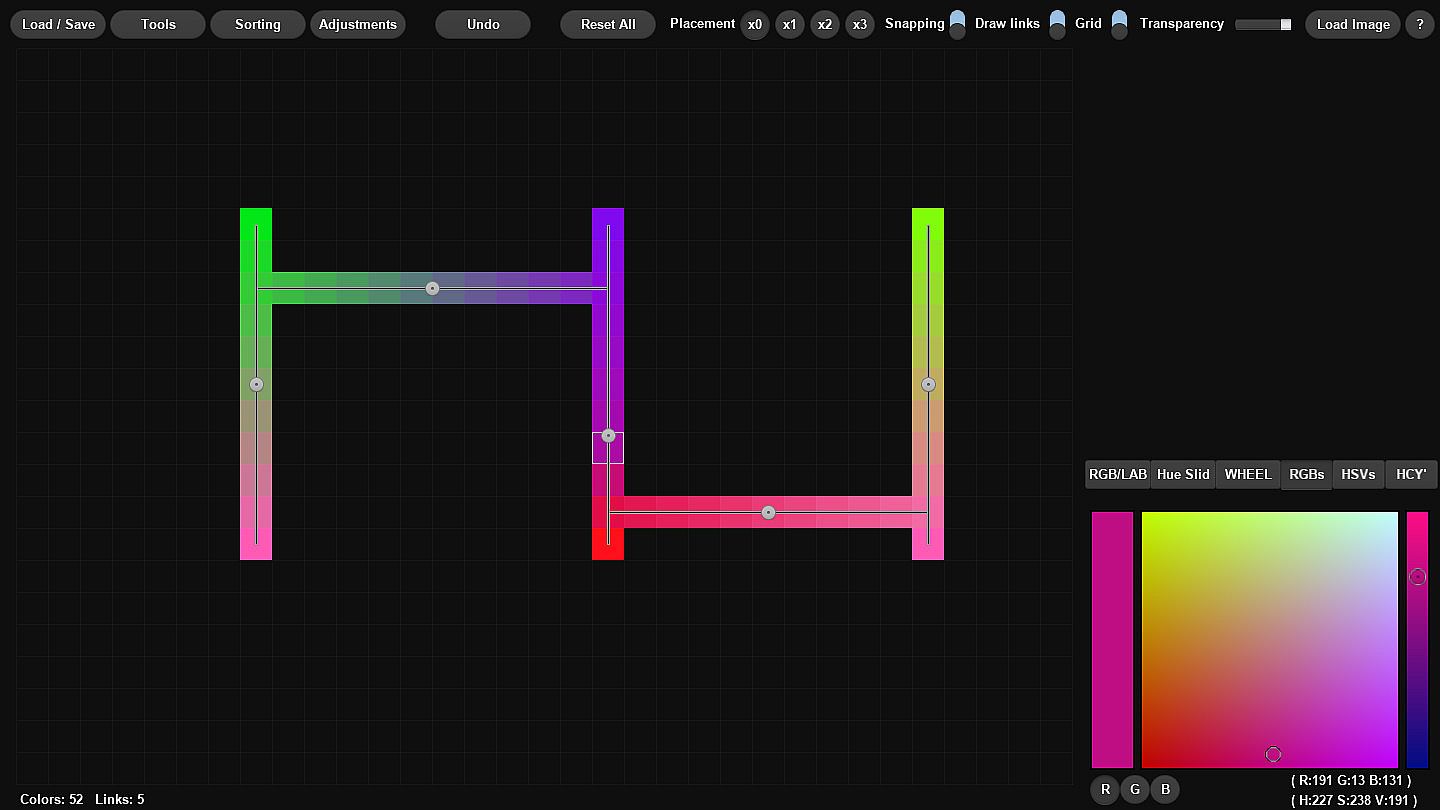
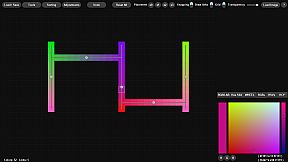
Palette Wizard streamlines color palette creation and editing for artists, game developers, and web creators on PC. Build palettes from scratch, generate analogous, complementary, split-complementary, triadic, square, tetradic, or pentagram schemes from selected colors, and craft ramps with magic pens or sliders. Extract hues from loaded PNG or JPEG images, tweak them with sorting by hue, saturation, value, or distance metrics, and replace colors in real time while viewing changes. Pick colors via RGB, HSV, HSL, LAB, or wheel interfaces, emulate color blindness types, or evolve palettes using genetic algorithms and cellular automata. Load and save in formats like PAL Jasc, GPL Gimp, ASE, GML for GameMaker, HEX, or TXT for Paint.net. Free drawing with magic brushes and undo support keep workflows smooth for design and game development projects.

Easily create or edit color palettes for your projects, replace colors in your images, sprites and designs.

If you’re an artist, game developer or web developer and you need to create a color palette
for your project quickly or edit one that you already have, then give this tool a try.


Palette Wizard allows you to create color palettes from scratch.
It will help you find analogous, complementary, and split-complementary colors and others with ease.

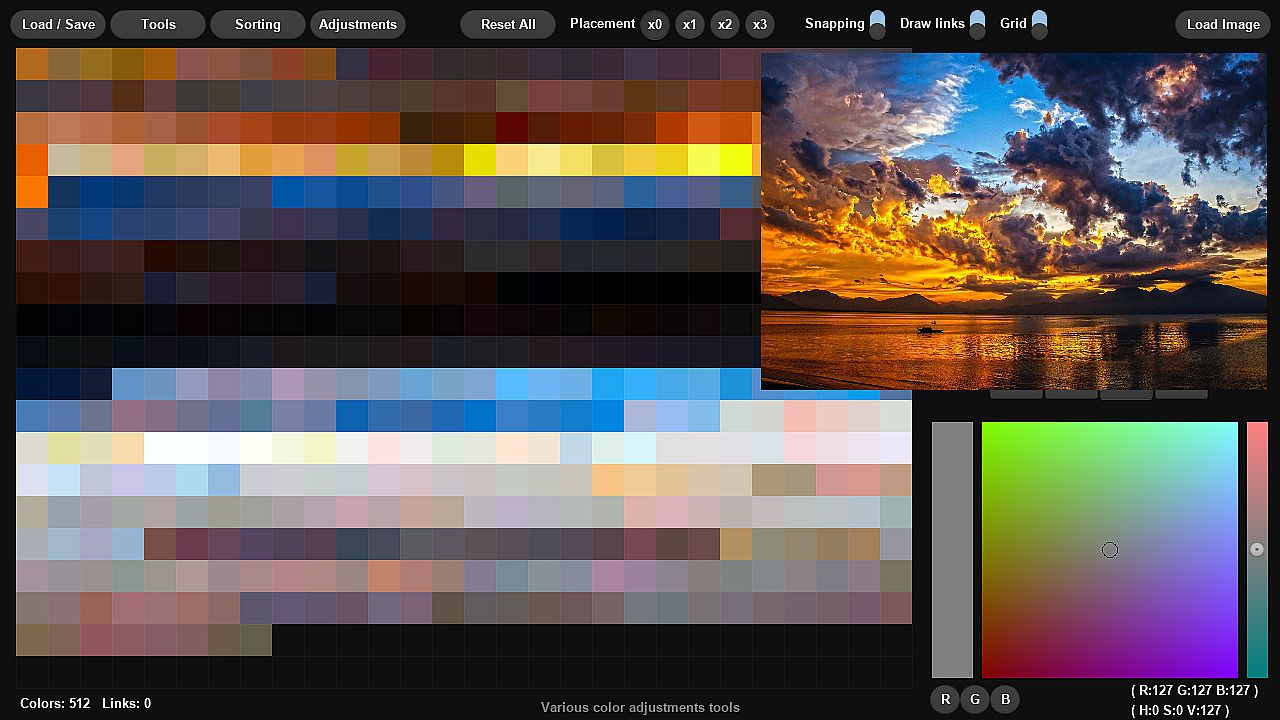
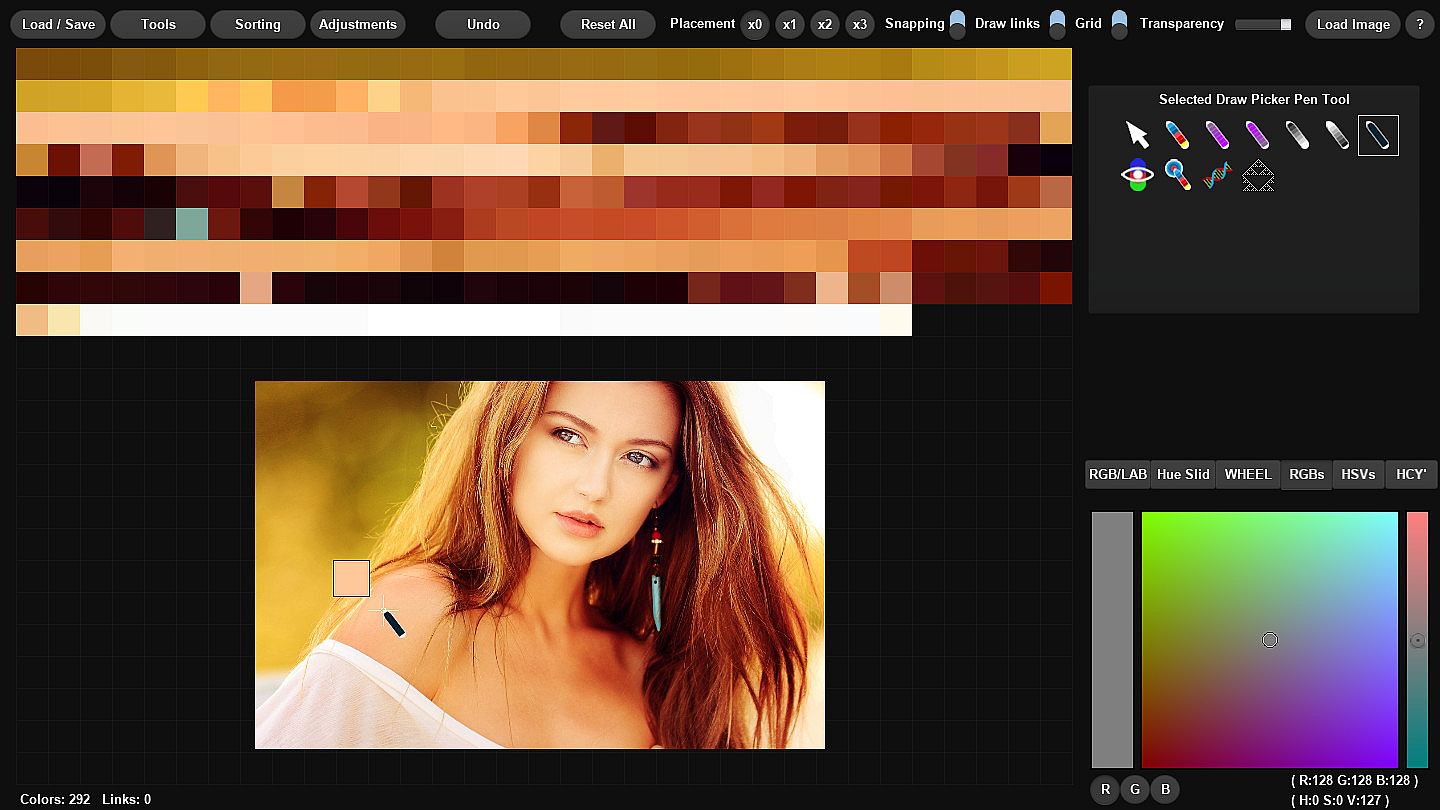
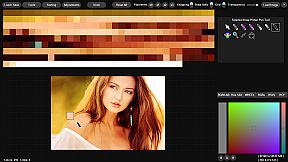
You can load any image and extract colors from it using the built-in extraction function,
then modify the palette as you wish.

Use magic pens to create color ramps with no time!


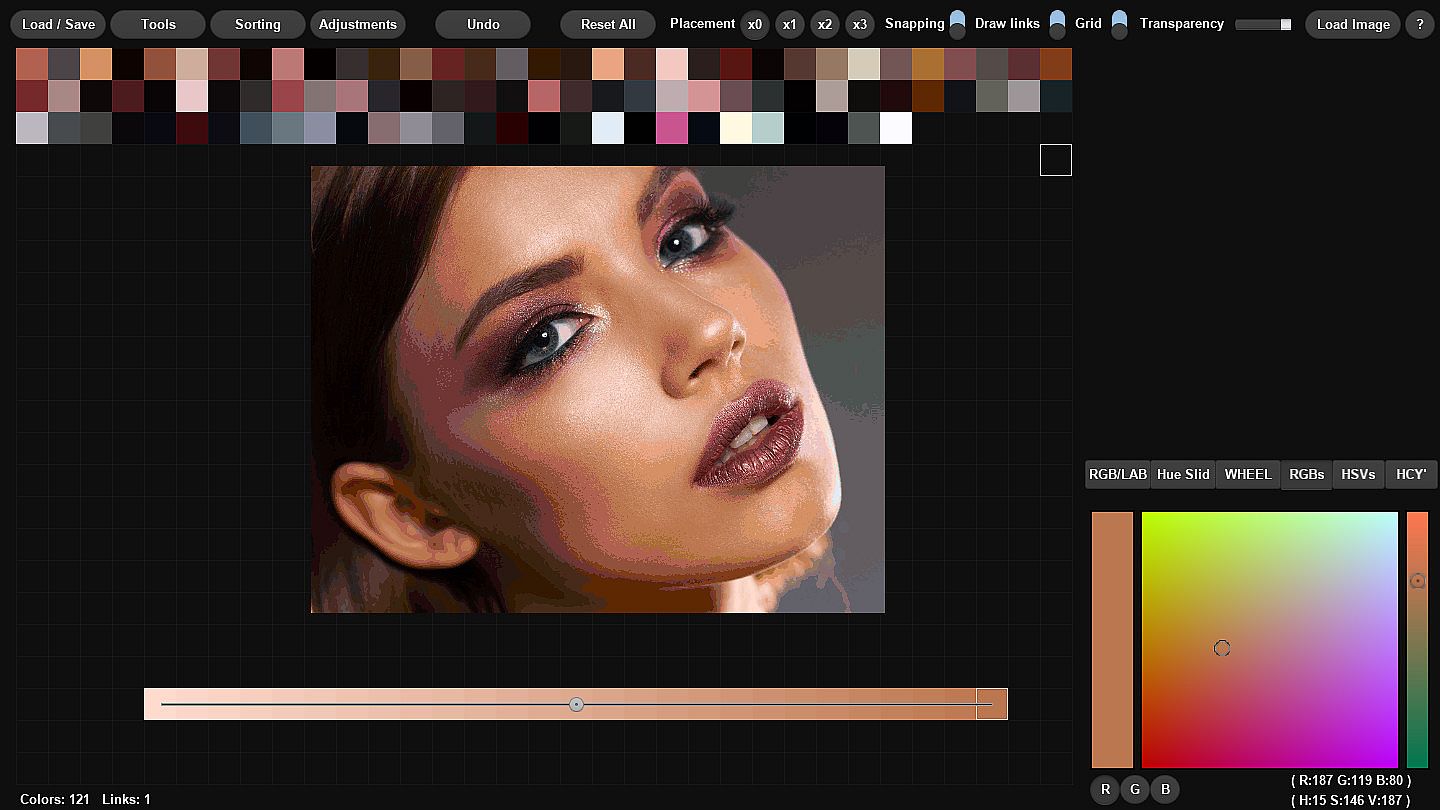
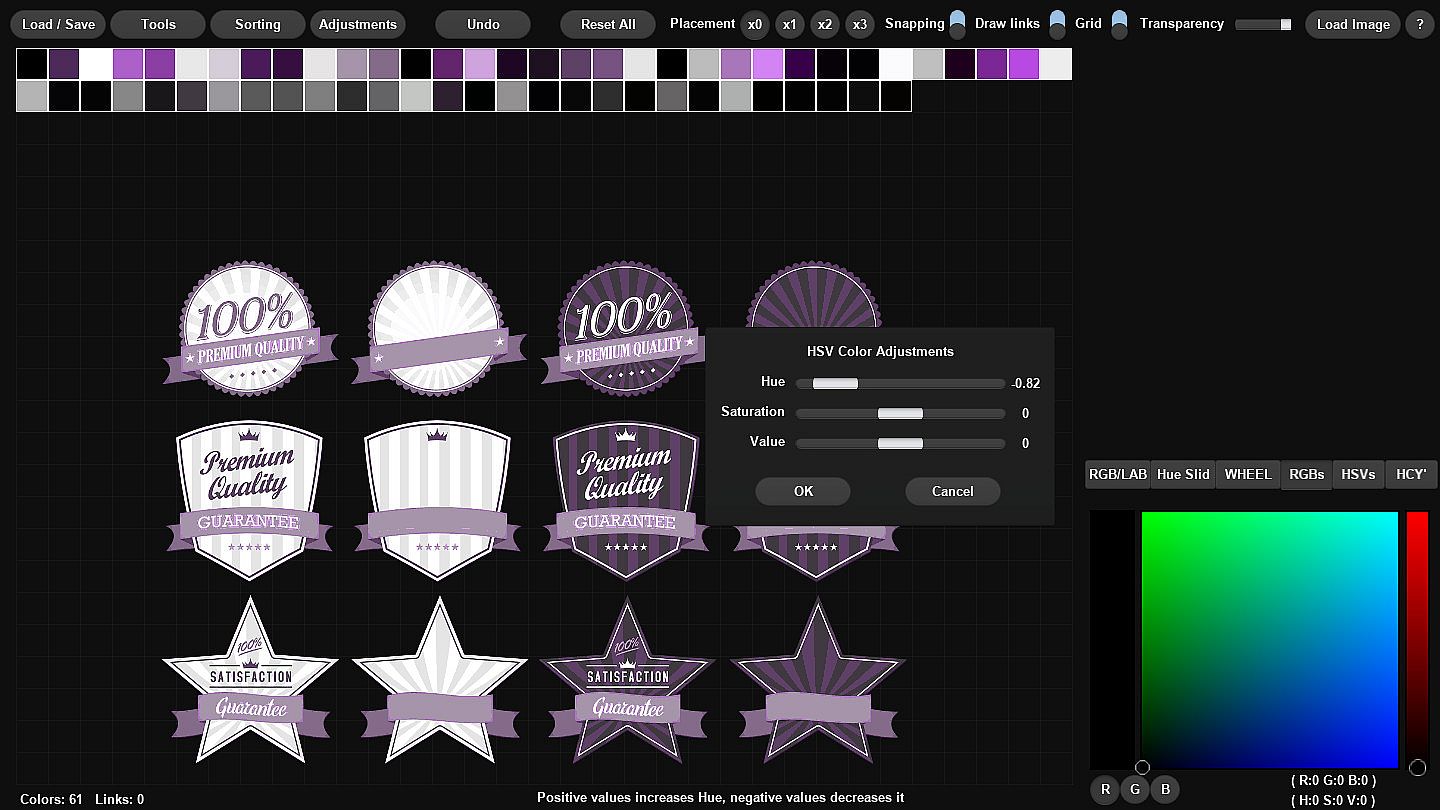
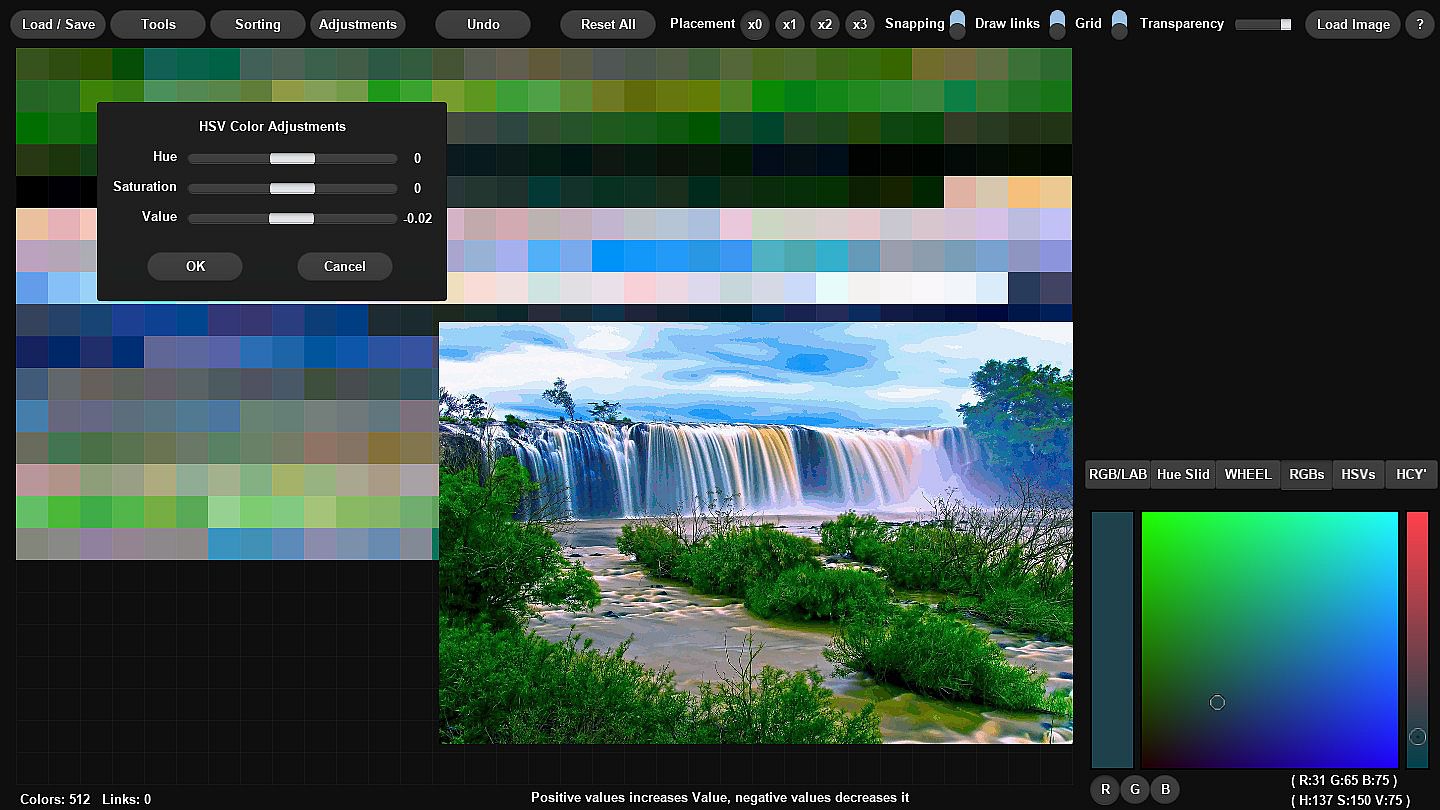
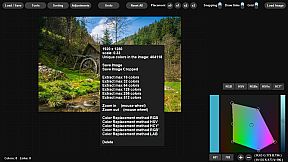
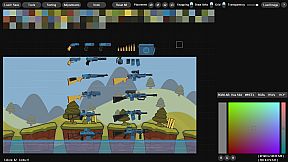
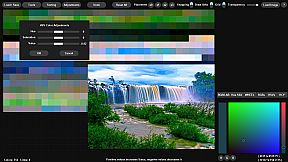
You can replace colors in the loaded image with colors created in the project and see the differences in real time.

You can also sort and organize colors using various sorting options


Supported palette formats: PAL Jasc, GPL Gimp, TXT Paint(dot)net, HEX, GML Game Maker Studio 1&2, ASE Adobe Swatch Exchange

Supported Image Formats: Loading: Png, Jpg, Jpeg Saving: Png

If you encounter any problems or have a suggestion/request, please describe them on community forum, DM me on Twitter or send me an e-mail.
Features:
  • Create color ramps from two colors with ease. You can also slide all colors from ramp towards one of them using slider.
  • Easy create random colors with different properties like (entirely random, randomize hue, randomize saturation, randomize value or random color which is close to current one).
  • Easily create Analogous, Compliment, Split-Compliment, Triadic, Square, Tetriadic, Pentagram colors from existing ones (also works with multiple selected colors).
  • Move colors as you like, select multiple and move multiple colors at once.
  • Copy and paste individual colors or multiple of them. Colors are copied as HEX values so you can also copy/paste them from/to other programs.
  • Duplicate colors (also works with multiple selected colors).
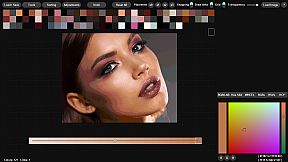
  • Color picking by hand from loaded image or using draw picker.
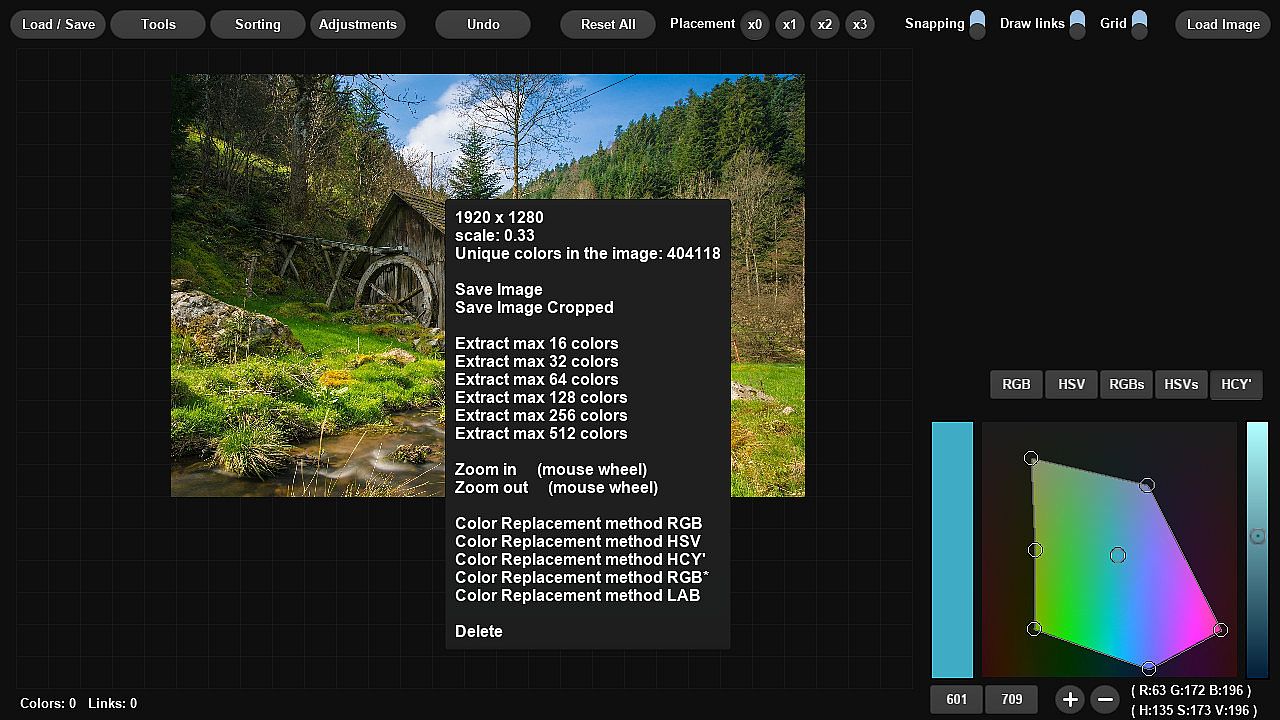
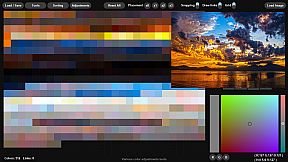
  • Color extraction from image. You can extract colors from any loaded image and you can set maximum colors to extract (16, 32, 64, 128, 256, 512).
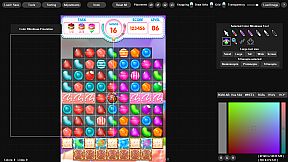
  • You can replace colors in the loaded image with ones created in the project
  • You can save images with replaced colors.
  • Color pickers RGB, HSV, HSL, LAB, HCY's, RGBs, HSVs, HSV/HSL Wheel (s means square)
  • You can load palettes in the following formats: (PAL Jasc, GPL Gimp, TXT Paint(dot)net, HEX, GML Game Maker Studio 1&2), ASE Adobe Swatch Exchange
  • You can save palettes in the following formats: (PAL Jasc, GPL Gimp, TXT Paint(dot)net, HEX, GML Game Maker Studio 1&2, PNG 8 px color squares), ASE Adobe Swatch Exchange
  • Each menu or context menu option has its description on the bottom of the screen so you don't need any manual.
  • You can load/save project to edit it later.
  • Free drawing using Magic Pen
  • Color adjustment pens
  • Multiple color sorting options by hue, saturation, value, lightness, chroma, luminance, red, green, blue
  • Distance based color sorting by RGB*, HSV, HSL, HCY', LAB distances
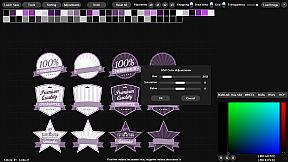
  • Multiple color adjustments options
  • Undo
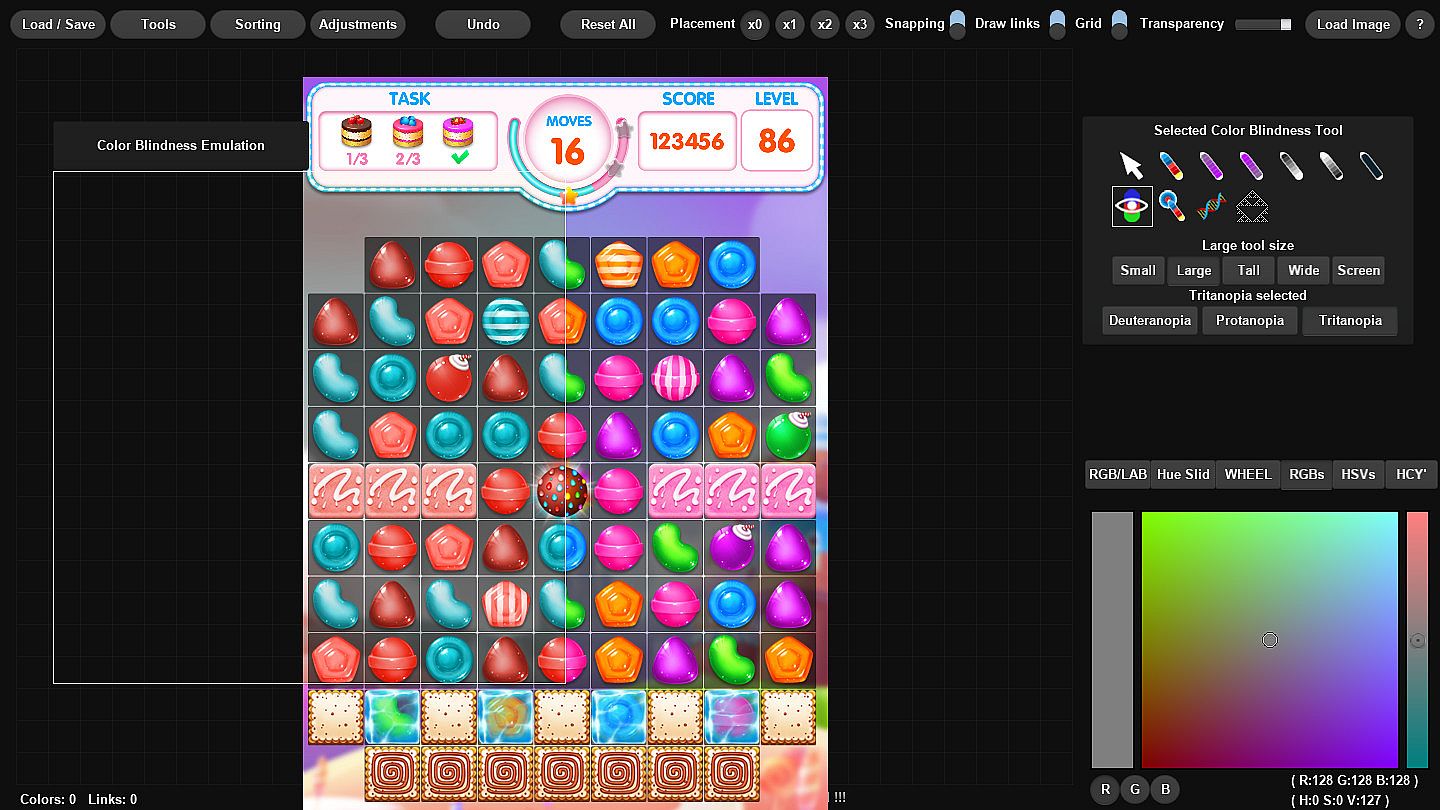
  • Color Blindness Emulation Tool (Three major disability types)
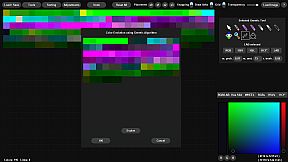
  • Color Evolution Using Genetic Algorithm
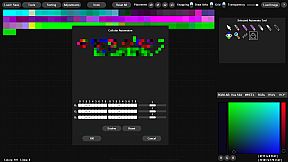
  • Color Evolution Using Cellular Automaton
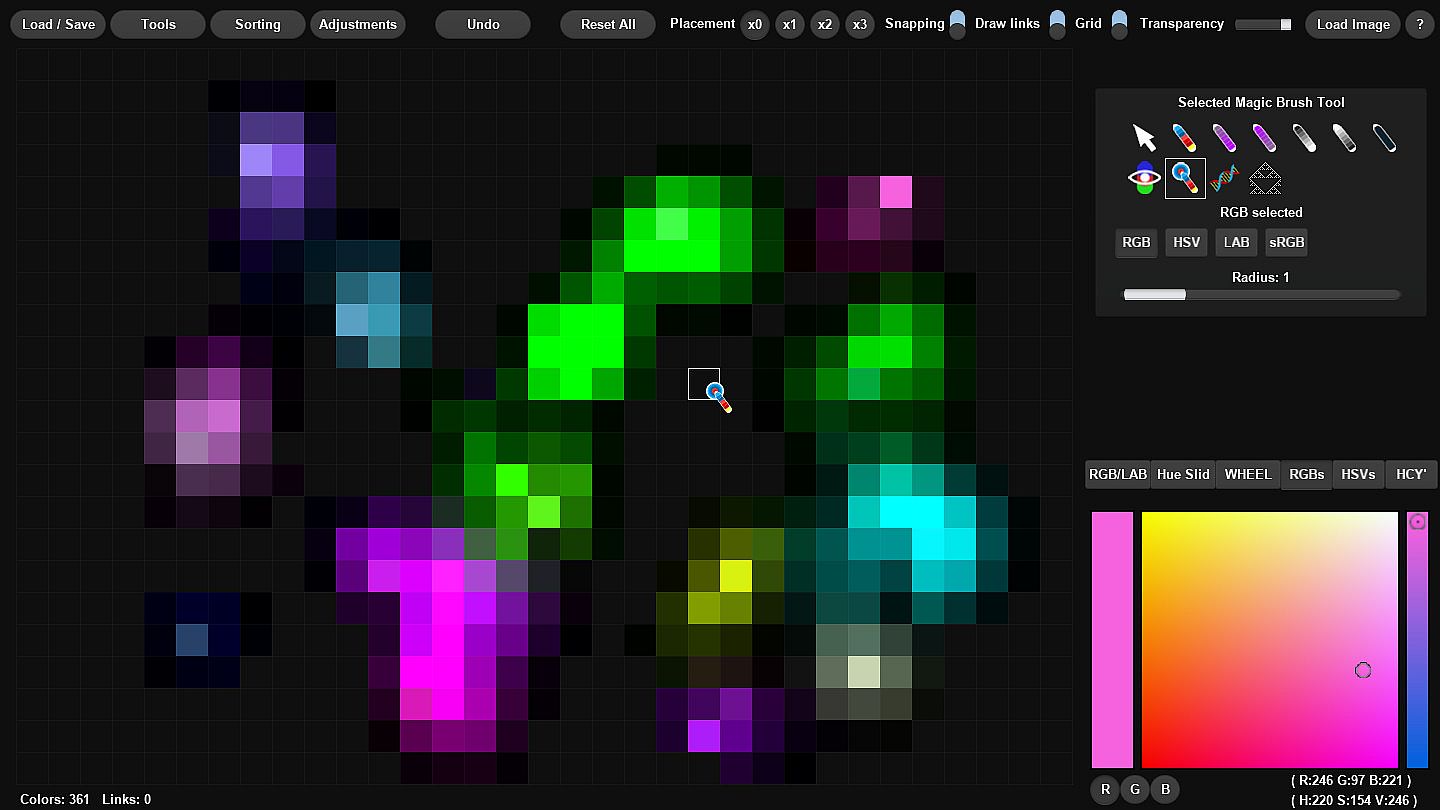
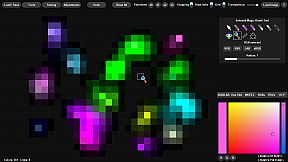
  • Magic Brush

Trailer music credits:
Stock Media provided by AZOVMUSIC / Pond5

Interface:
English

Age rating

Unavailable
Steam:
Mixed (11)

Minimum:

  • Processor: Intel Pentium D 830 (2* 3000) or equivalent / AMD Athlon 64 4000+ (2600) or equivalent
  • Memory: 1 GB RAM
  • Graphics: GeForce 7600 GS (256 MB) / Radeon HD 2400 PRO (256 MB)
  • Storage: 5 MB available space

Minimum:

  • OS: Mac OS X 10.9 or later
  • Processor: Intel Pentium D 830 (2* 3000) or equivalent / AMD Athlon 64 4000+ (2600) or equivalent
  • Memory: 1 GB RAM
  • Graphics: GeForce 7600 GS (256 MB) / Radeon HD 2400 PRO (256 MB)
  • Storage: 5 MB available space
Historical low
Price history from official stores
-
-
-
Price history from keyshops
-
-
-

FAQ

8 questions

Before you start looking for a cheap Palette Wizard key, check the essentials. Developed by SmallBigSquare. Published by SmallBigSquare. PC released date: 14 Nov 2019. Genres: Utilities, Design & Illustration, Web Publishing, Game Development, Photo Editing.

Q

Where to buy a cheap Palette Wizard Steam key?

There are currently no active offers for Palette Wizard. Set a price alert on XD.deals and we will notify you the moment a deal becomes available.

We don't have a current Steam Store price for Palette Wizard. The game may be temporarily unavailable or not yet listed on Steam.

Our price tracker covers both official retailers and key marketplaces, so you can find Palette Wizard on sale even outside seasonal promotions. We currently detect 0 active offers from official stores and keyshops. Check the table above, compare against the historical low, and set an alert so you never miss the next price drop.

Based on our data, Palette Wizard is not currently available on GeForce NOW. You will need to run it locally on your PC. Browse games available on GeForce NOW.

Yes. Palette Wizard has an official page on the Steam Store, but we currently don't track any third-party offers with Steam DRM. Check back later or set a price alert.

Not at this time. Valve marks Palette Wizard as Unsupported on Steam Deck. Keep an eye on XD.deals - we track Proton updates and community fixes. Browse games that are Steam Deck Verified or Steam Deck Playable.

Palette Wizard does not appear to be available on PC Game Pass, EA Play, Ubisoft+ or any other PC subscription service at this time. Your only option is purchasing the game - use XD.deals to find the best price.

No - XD.deals is not a store. We are a price-comparison service that tracks the best Palette Wizard deals across official stores and verified keyshops. Click "Go to Store" next to any offer and you will be redirected to the retailer's website to complete your purchase.

Want to buy at the best moment? Set a price alert on XD.deals and get notified when Palette Wizard hits its next historical low.

Create Alert
Join our Discord
Get instant help from our community and stay updated on the latest deals
Set Price Alerts
Get notified by email when game prices drop to your target
Create Free Account
Unlock wishlists, price alerts, and Steam sync