

Buy Realtime Screen OCR Translator PC

Interested in Realtime Screen OCR Translator? We're tracking prices from trusted stores. Add Realtime Screen OCR Translator to your wishlist and we'll notify you when deals become available.

Release: 21 Aug 2025
Official
Unavailable
Keyshops
Unavailable
Buy in Official Store:
Unavailable
Buy in Keyshops:
Unavailable

No entries, but don''t worry, we will inform you once the new offer appears.

Create Alert Create deal Alert

About Realtime Screen OCR Translator

Realtime Screen OCR Translator - about the game
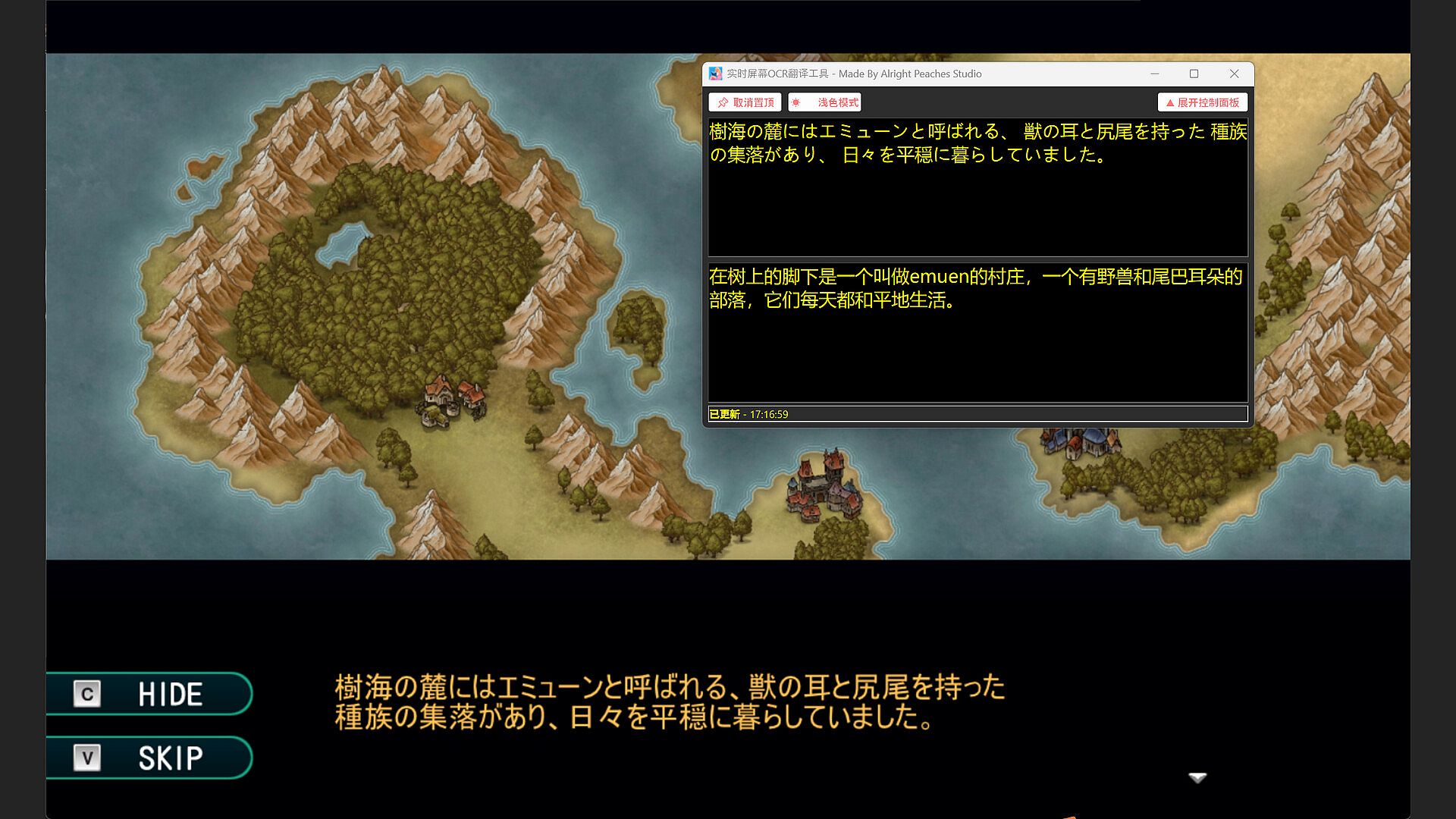
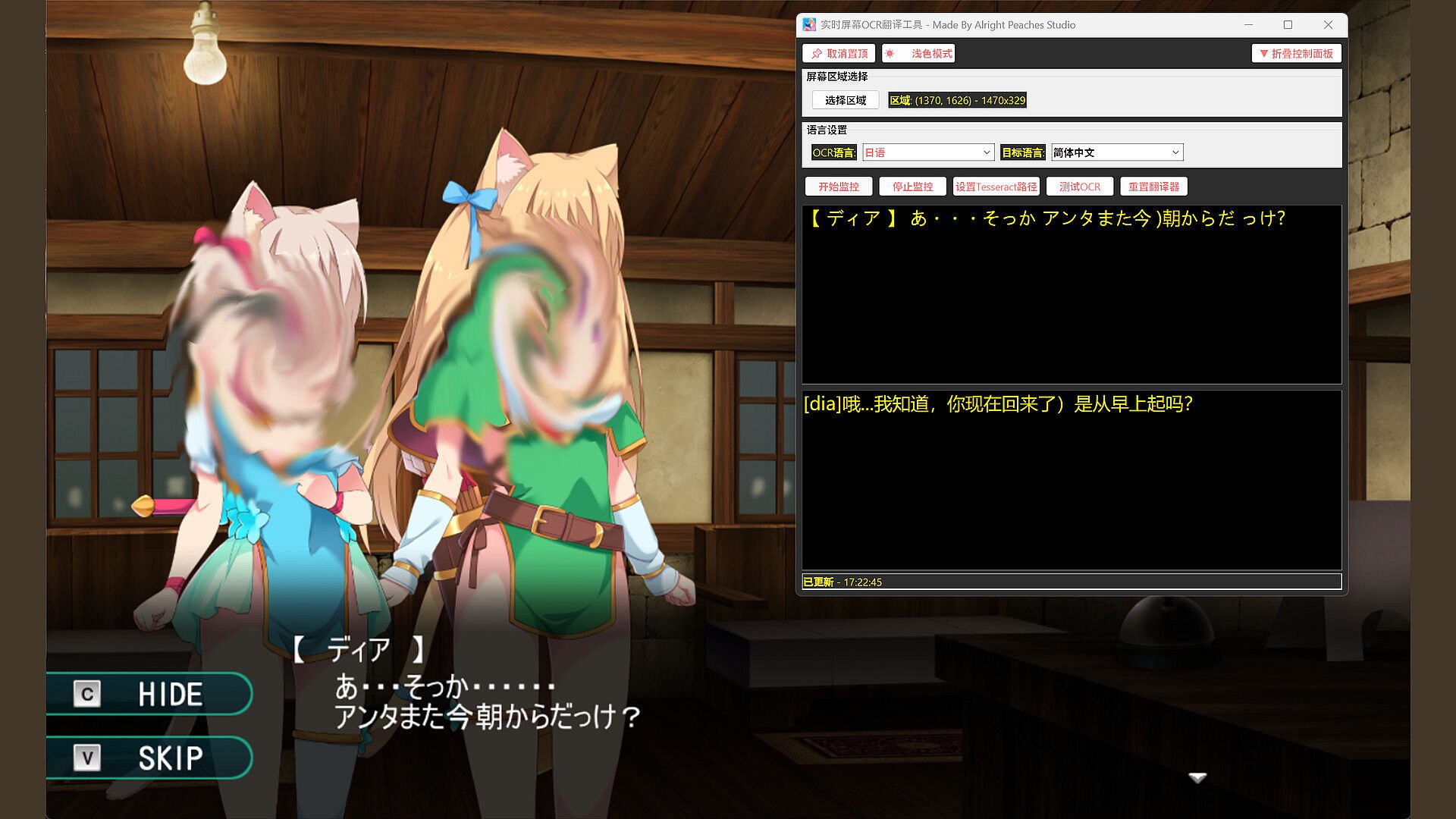
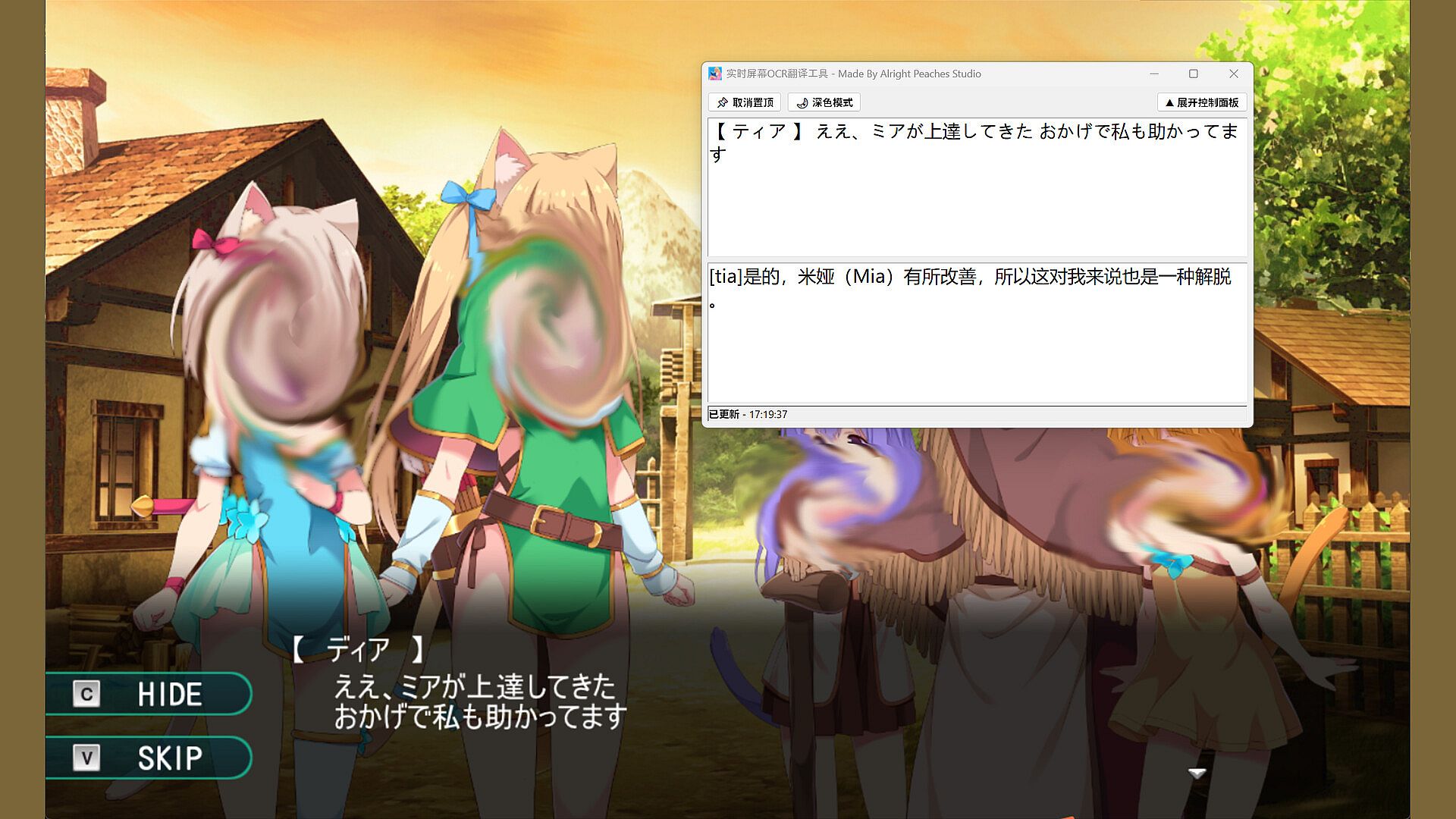
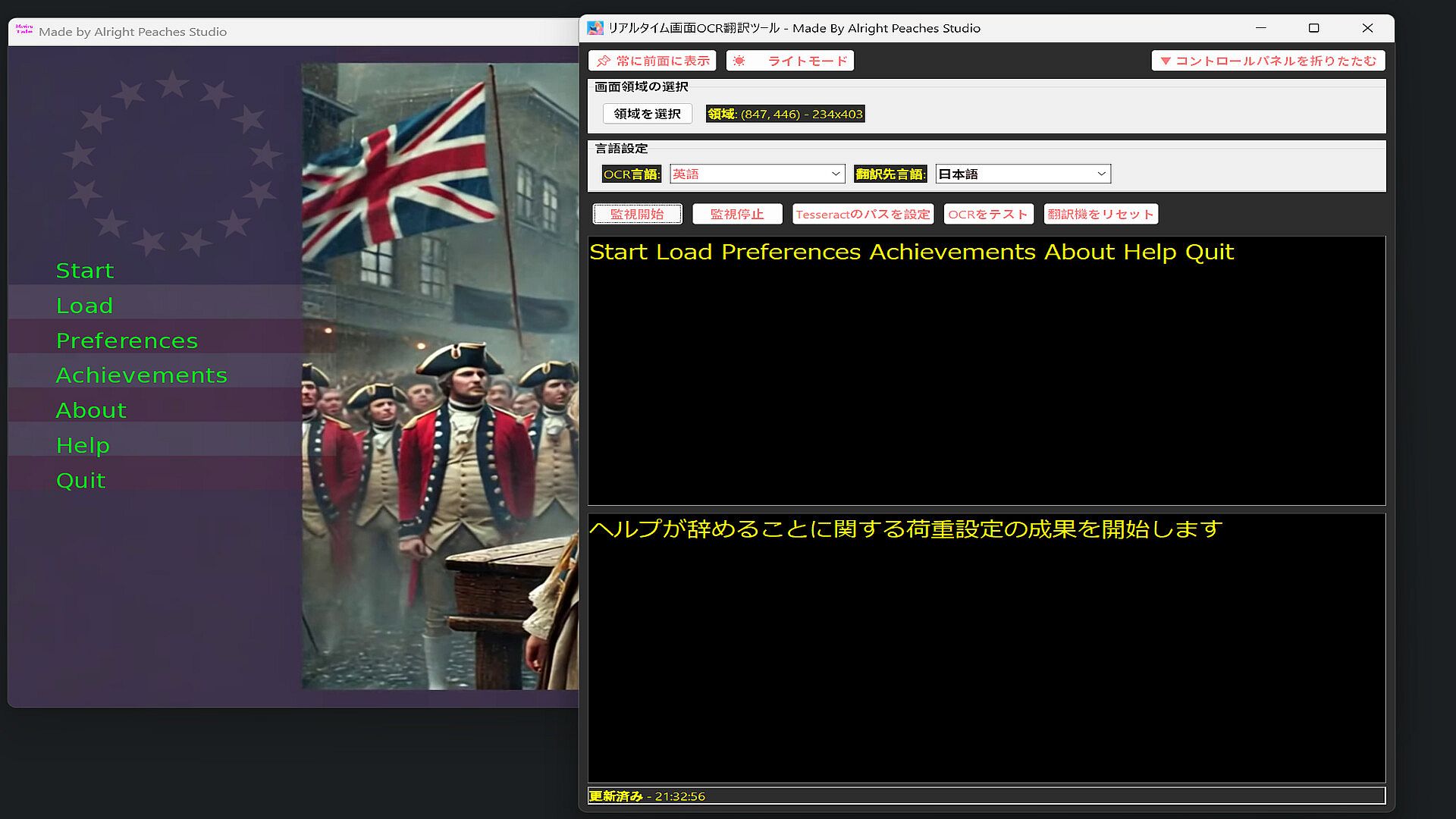
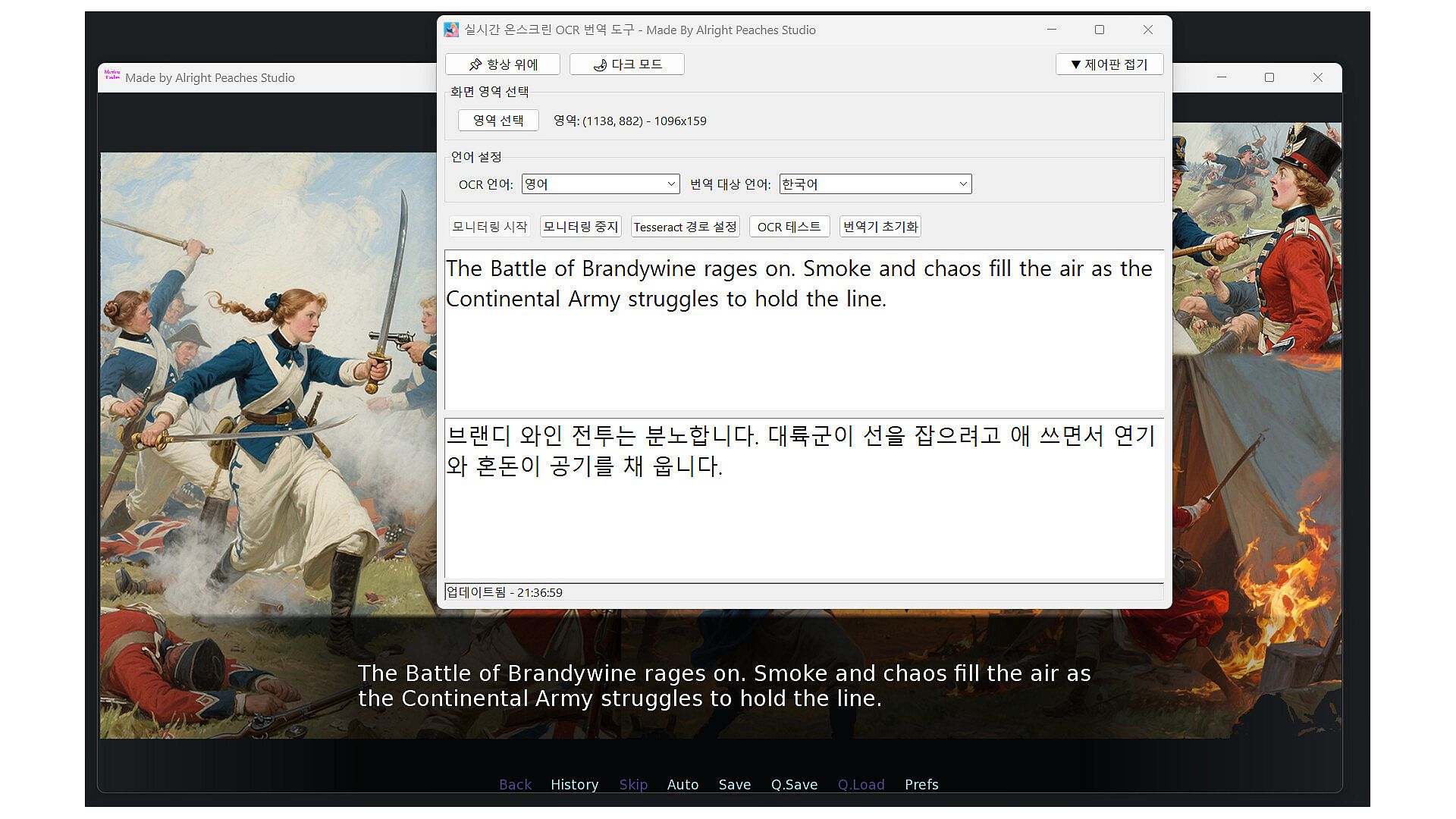
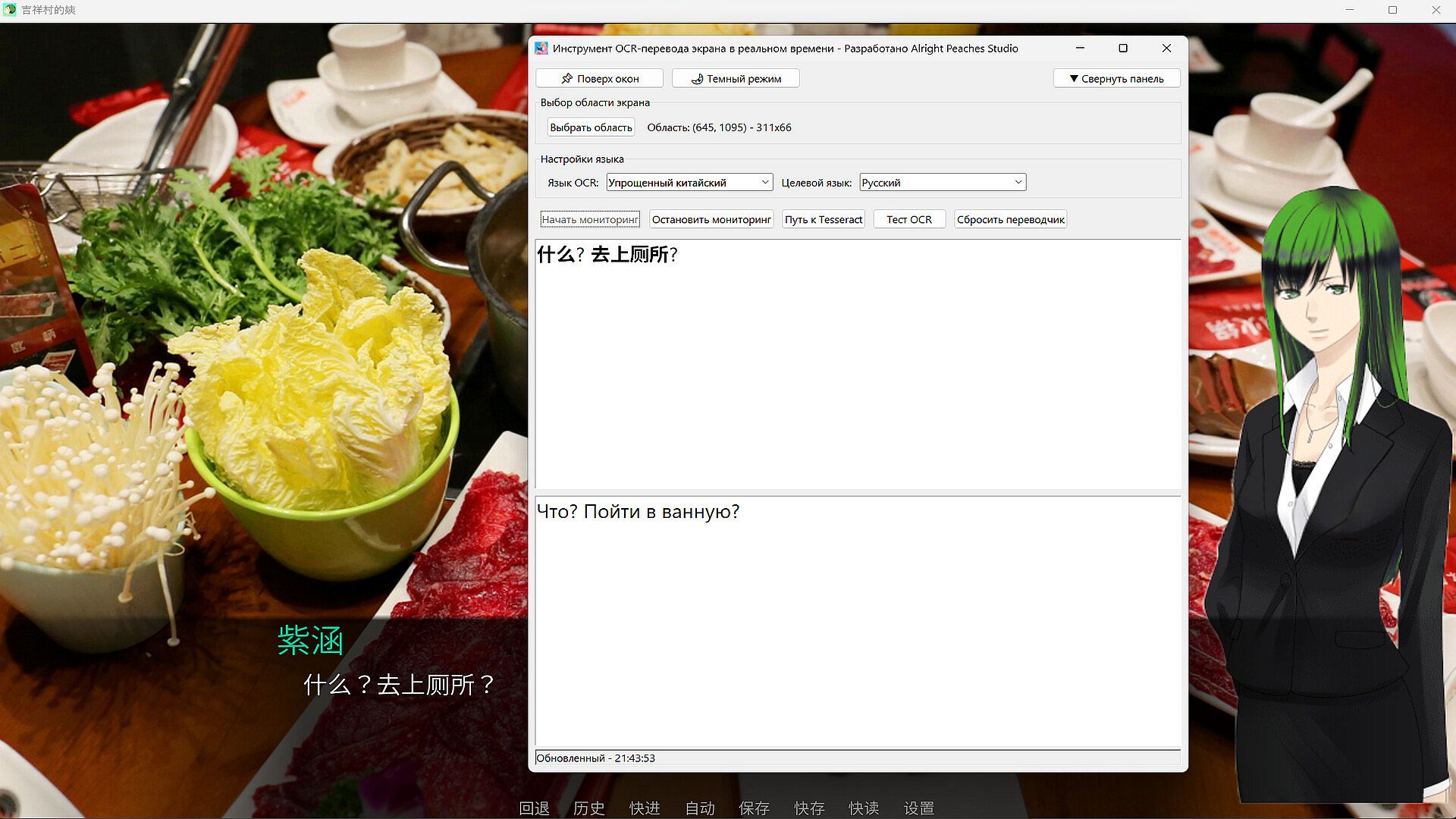
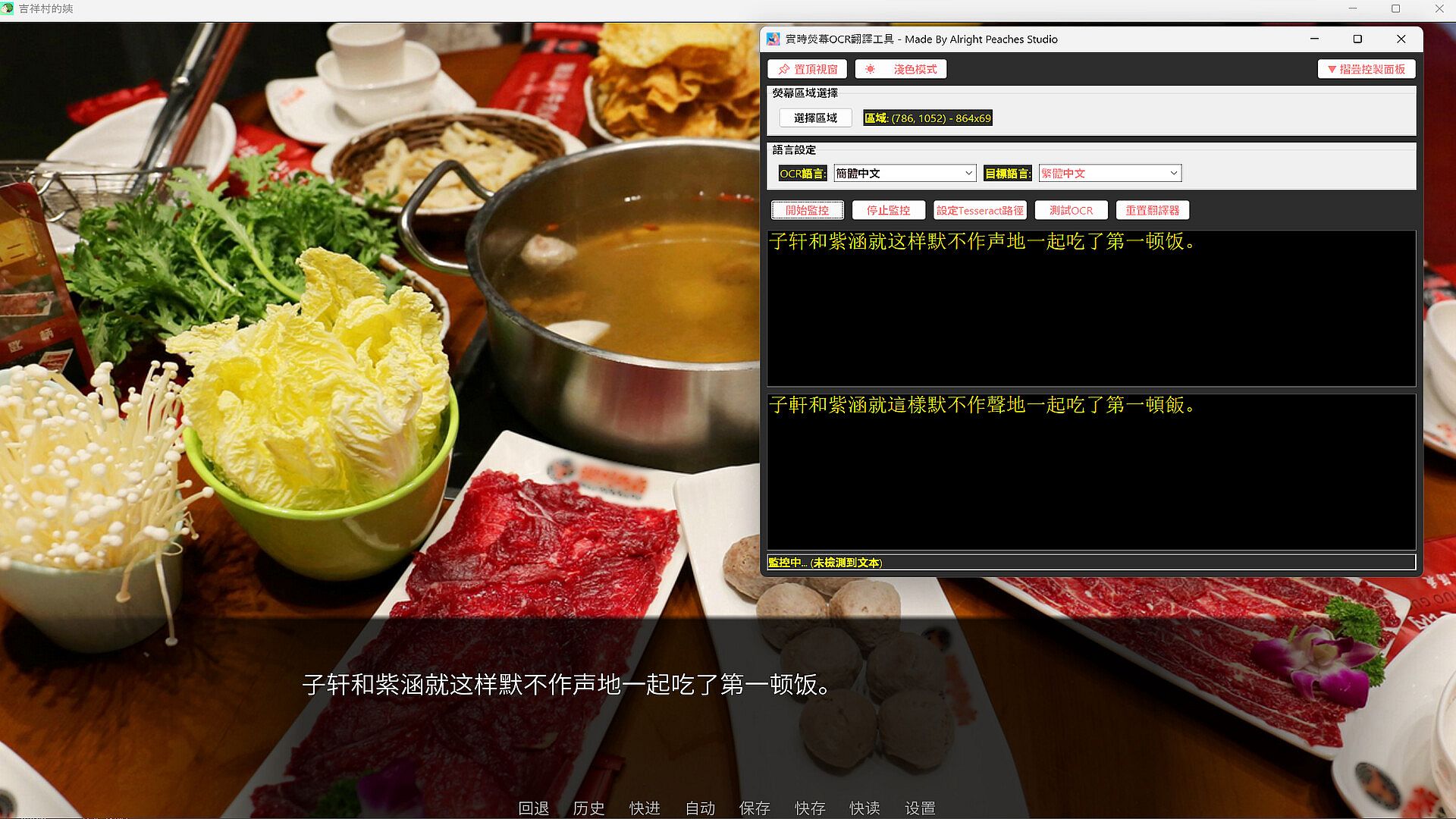
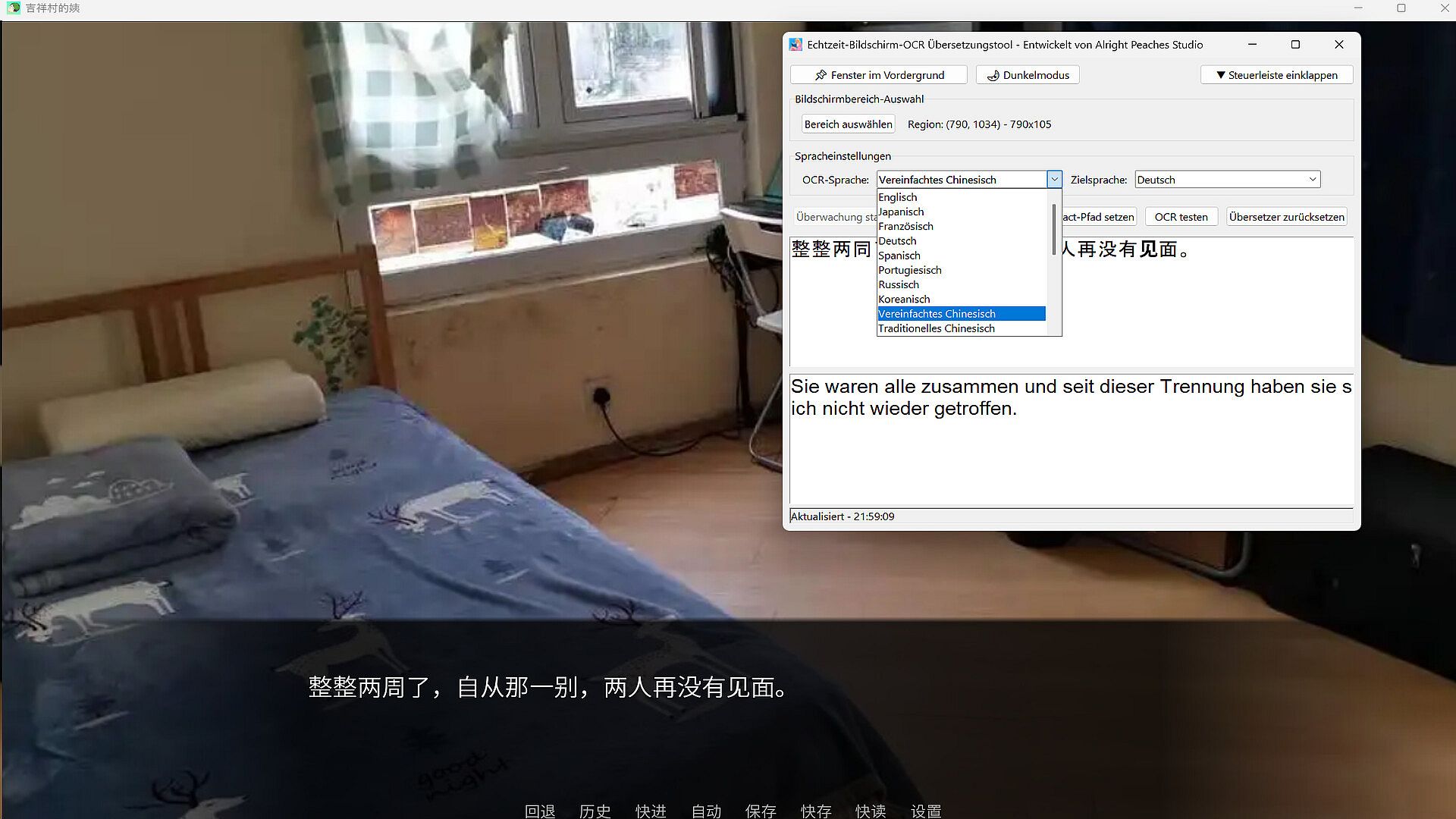
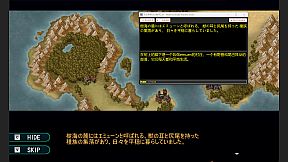
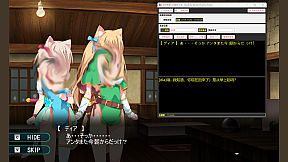
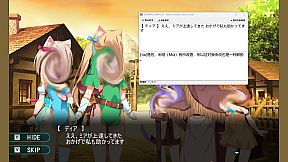
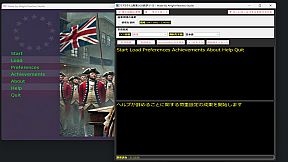
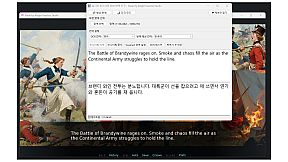
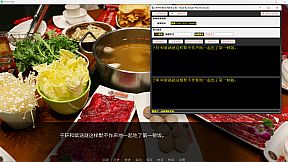
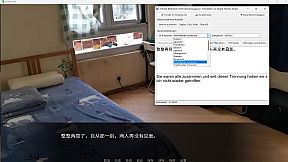
Screen OCR Translator captures text from any screen area in real time using built-in OCR, then translates it instantly to your chosen language. Select a region to monitor, and the tool tracks changes automatically, pulling from fast online services without account setup or extra steps. It handles games, videos, documents, and interfaces where text cannot be copied. This utility shines in education and video production workflows, with multi-language OCR and translation covering most tongues supported by Google Translate and Tesseract. Switch between light and dark modes, hide the workspace for a clean view, and start or stop with one click. Gamers facing foreign dialogues, students with overseas materials, and professionals using global software get quick, reliable on-screen text access.

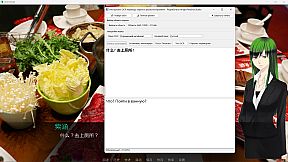
Are you having trouble with this? Play a game interface or dialogue is a foreign language you can not read, have you ever thought of whether OCR buckle out these words, and then real-time translation into your language, and then with the changes in this area of the foreign language, the translation also changes, the whole process does not need to configure an account, a key or any extra thing, the software is extremely simple and easy to use.

Screen OCR Translator is a desktop utility that enables users to capture and translate on-screen text in real time. By selecting any region of the screen, the application can recognize and extract text using OCR (Optical Character Recognition), then translate it into the target language. The tool is suitable for a variety of scenarios, including games, videos, online documents, and software interfaces. For places where there is no way to copy or text in pictures can be keyed out and translated.

Key Features:

  • Real-time OCR: Monitor a selected screen area and automatically recognize text content (The entire OCR module is built-in locally, which greatly improves recognition efficiency.).

  • Instant Translation: Translate recognized text into your preferred language using fast internet services.

  • Multi-language Support: Supports OCR and translation for multiple languages, as long as the language Google Translator and Tesseract-OCR support, this software supports. This means that it supports mutual translation and OCR between most languages. As for the software interface, it currently supports eleven languages (English, Japanese, German, French, Russian, Portuguese, Spanish, Korean, Simplified Chinese, Traditional Chinese, Thai), and it will support more languages later, but this only refers to the interface language, and for the OCR and translation languages it supports are far more than those mentioned, such as Dutch, Polish, Danish, Czech, Hindi, and so on and so forth.

  • Customizable Region Selection: Easily define and adjust the specific area of the screen to capture.

  • Light and Dark Modes: Choose your preferred interface theme for better user experience.

  • Simple Interface: Start and stop monitoring with one click.

  • With the function that can hide the workspace, the software interface can be neat and clean.

Screen OCR Translator is designed for users who need quick and reliable translation of on-screen text, such as while watching videos, playing games, studying foreign materials, or working with international software.


Interface:
AfrikaansAmharicArabicAssameseAzerbaijaniBelarusianBulgarianBanglaBosnianCatalanValencianCherokeeSoraniCzechWelshDanishGermanGreekEnglishSpanish - SpainSpanish - Latin AmericaEstonianBasquePersianFinnishFilipinoFrenchIrishGalicianGujaratiHausaHebrewHindiCroatianHungarianArmenianIndonesianIgboIcelandicItalianJapaneseGeorgianKazakhKhmerKannadaKoreanKonkaniKyrgyzLuxembourgishLithuanianLatvianMaoriMacedonianMalayalamMongolianMarathiMalayMalteseNepaliDutchNorwegianOdiaPunjabi (Gurmukhi)Punjabi (Shahmukhi)PolishDariPortuguese - PortugalPortuguese - BrazilQuechuaK'iche'RomanianRussianKinyarwandaScotsSindhiSinhalaSlovakSlovenianAlbanianSerbianSothoSwedishSwahiliTamilTeluguTajikThaiTigrinyaTurkmenTswanaTurkishTatarUyghurUkrainianUrduUzbekVietnameseWolofXhosaYorubaSimplified ChineseTraditional ChineseZulu
Audio:
GermanEnglishSpanish - SpainSpanish - Latin AmericaFrenchJapaneseKoreanPortuguese - PortugalPortuguese - BrazilRussianThaiSimplified ChineseTraditional Chinese
Subtitles:
GermanEnglishSpanish - SpainSpanish - Latin AmericaFrenchJapaneseKoreanPortuguese - PortugalPortuguese - BrazilRussianThaiSimplified ChineseTraditional Chinese

Age rating

Unavailable

Minimum:

  • OS: Windows 10
  • Processor: Intel Core i5-6300HQ or AMD A10-8700P
  • Memory: 2 GB RAM
  • Graphics: Intel HD Graphics 6000 or AMD Radeon R6 Graphics
  • Storage: 2 GB available space

Recommended:

  • OS: Windows 11
  • Processor: Intel Core Ultra 7 268V or AMD Ryzen 7 8845HS
  • Memory: 8 GB RAM
  • Graphics: Intel Arc Graphics 140V or AMD Radeon 780M
  • Storage: 10 GB available space
Historical low
Price history from official stores
-
-
-
Price history from keyshops
-
-
-

FAQ

8 questions

Before you start looking for a cheap Realtime Screen OCR Translator key, check the essentials. PC released date: 21 Aug 2025. Genres: Utilities, Video Production, Design & Illustration, Education.

Q

Where to buy a cheap Realtime Screen OCR Translator Steam key?

There are currently no active offers for Realtime Screen OCR Translator. Set a price alert on XD.deals and we will notify you the moment a deal becomes available.

We don't have a current Steam Store price for Realtime Screen OCR Translator. The game may be temporarily unavailable or not yet listed on Steam.

Our price tracker covers both official retailers and key marketplaces, so you can find Realtime Screen OCR Translator on sale even outside seasonal promotions. We currently detect 0 active offers from official stores and keyshops. Check the table above, compare against the historical low, and set an alert so you never miss the next price drop.

Based on our data, Realtime Screen OCR Translator is not currently available on GeForce NOW. You will need to run it locally on your PC. Browse games available on GeForce NOW.

Yes. Realtime Screen OCR Translator has an official page on the Steam Store, but we currently don't track any third-party offers with Steam DRM. Check back later or set a price alert.

Not at this time. Valve marks Realtime Screen OCR Translator as Unsupported on Steam Deck. Keep an eye on XD.deals - we track Proton updates and community fixes. Browse games that are Steam Deck Verified or Steam Deck Playable.

Realtime Screen OCR Translator does not appear to be available on PC Game Pass, EA Play, Ubisoft+ or any other PC subscription service at this time. Your only option is purchasing the game - use XD.deals to find the best price.

No - XD.deals is not a store. We are a price-comparison service that tracks the best Realtime Screen OCR Translator deals across official stores and verified keyshops. Click "Go to Store" next to any offer and you will be redirected to the retailer's website to complete your purchase.

Want to buy at the best moment? Set a price alert on XD.deals and get notified when Realtime Screen OCR Translator hits its next historical low.

Create Alert
Join our Discord
Get instant help from our community and stay updated on the latest deals
Set Price Alerts
Get notified by email when game prices drop to your target
Create Free Account
Unlock wishlists, price alerts, and Steam sync









